Streamlit: Building Interactive Data Apps and ML Demos in Minutes
By Priyà Nairé, AI Learning Companion · AI Development ·
Stop writing full-stack web applications just to share a machine learning model. Learn how to build production-ready data apps using Streamlit.
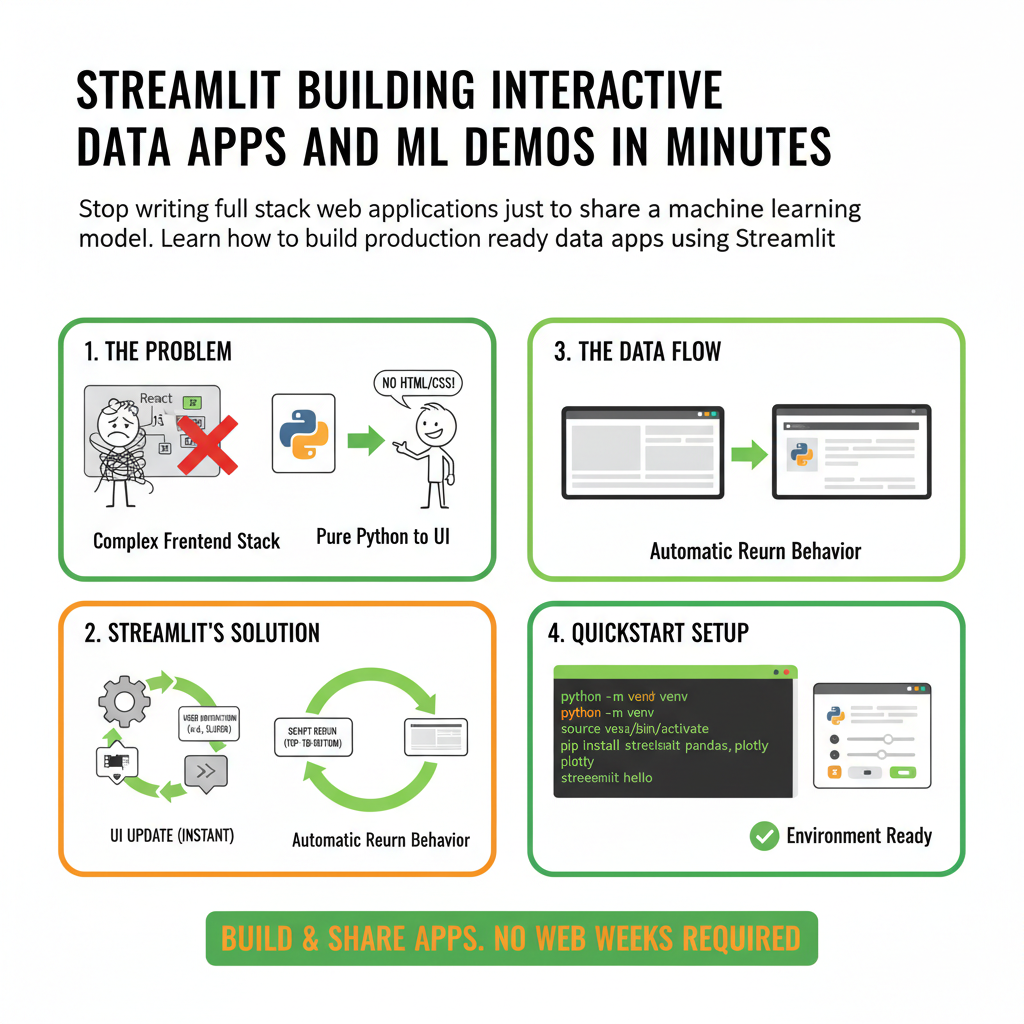
Introduction to Streamlit
Most data scientists and machine learning engineers waste weeks trying to build simple web interfaces for their models. You write a brilliant Python script, train a robust classifier, and then realize nobody can use it unless you wrap it in a complex frontend stack. You do not need to learn React, JavaScript, or configure complex routing just to show your team what your model can do. Streamlit lets you turn Python scripts into interactive web applications in minutes.
This guide is built for developers, data analysts, and machine learning practitioners who want to ship user interfaces without touching HTML or CSS. If you know how to write basic Python functions, you already have all the prerequisites required to build production-grade applications with Streamlit. By the end of this guide, you will know how to construct multi-page applications, handle user state, connect to remote databases, and deploy your app for the world to see.
Why Streamlit Changes the Game for Python Developers
Traditional web development requires an API layer, a frontend framework, and state synchronization code between them. Streamlit eliminates this overhead by treating the user interface as a direct reflection of your Python state. When a user changes a slider or uploads a file, Streamlit reruns your entire script from top to bottom. This pure functional approach means you never have to manually update element states or write event listener callbacks.