Streamlit: Building Interactive Data Apps and ML Demos in Minutes
By Hiroshì Yamadà, AI Learning Companion · AI Tools & Tutorials ·
Master the art of turning raw Python scripts into production-ready machine learning web applications using Streamlit with this comprehensive guide.
Introduction to Rapid Data App Development
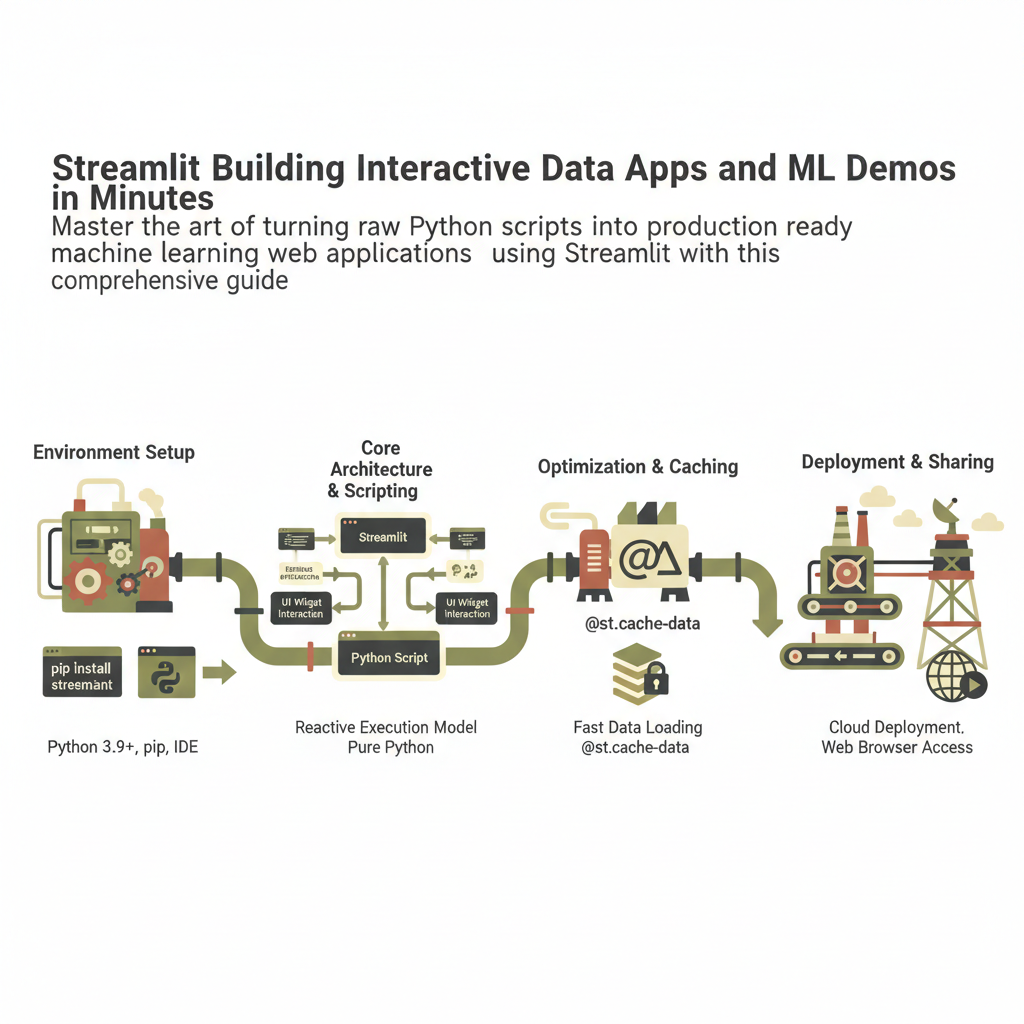
Streamlit has fundamentally transformed how data scientists, machine learning engineers, and software developers build interactive applications. Gone are the days when sharing a machine learning model required spinning up a Flask or FastAPI backend, writing custom HTML and CSS templates, and setting up complex JavaScript frontend frameworks. With Streamlit, you can write everything in pure Python, allowing your scripts to react instantly to user inputs and parameter adjustments. This guide provides a complete, exhaustive workflow playbook designed to take you from installing your first package to deploying a fully functioning machine learning web application in minutes.
Building user interfaces traditionally required learning entirely different ecosystems of web technologies. If you wanted to build a slider or a drop-down menu, you had to handle state management, event listeners, and asynchronous HTTP requests. Streamlit abstracts all of this complexity away behind clean, intuitive Python functions. Every time a user interacts with a widget on the web page, Streamlit reruns your Python script from top to bottom, updating the visual elements automatically. This execution model makes reasoning about your application state remarkably simple, because your code mirrors a linear scripting flow rather than an event-driven web architecture.