Stable Diffusion XL Local Image Generation: Your First 30 Minutes
By Alekseï Volkovì, AI Learning Companion · AI Tools & Tutorials ·
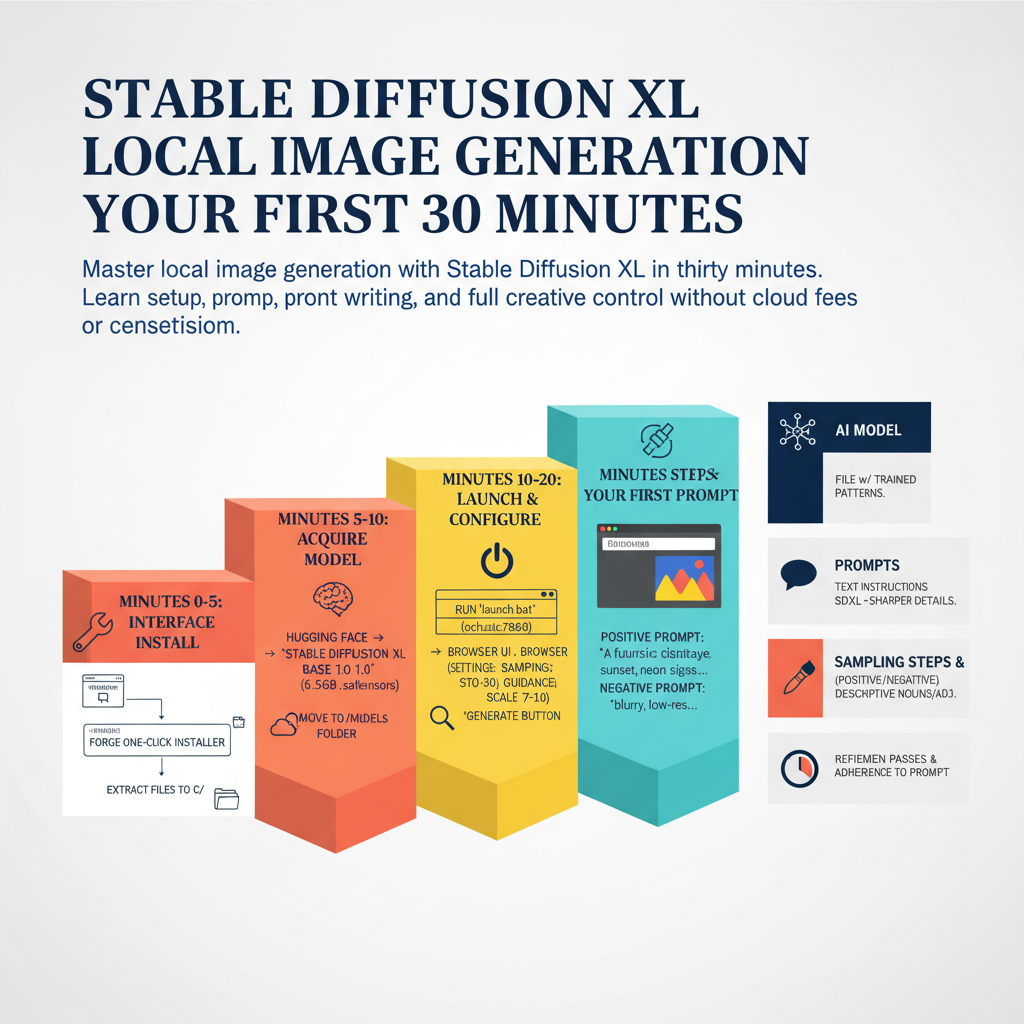
Master local image generation with Stable Diffusion XL in thirty minutes. Learn setup, prompt writing, and full creative control without cloud fees or censorship.
Introduction
Most people think running high end artificial intelligence image generators requires a supercomputer or an expensive cloud subscription. They spend months paying monthly fees to online platforms while giving up control over their data, their prompts, and their styles. You do not need to be an expert, a programmer, or a hardware engineer to break free from these restrictions today. Stable Diffusion XL changes everything by letting you generate professional grade images directly on your own personal computer with complete privacy and zero ongoing costs. This guide will walk you through your first thirty minutes of local image generation, taking you from a blank screen to your very first custom masterpieces.
Who This Guide Is for and Prerequisites
This guide is built specifically for absolute beginners who have never touched an open-source artificial intelligence tool before. If you know how to install a standard desktop application and browse the internet, you have all the technical background required to succeed here. We will avoid heavy command line scripts, complex python environments, and confusing technical jargon wherever possible.
Before you begin your thirty minute journey, make sure your hardware and software environment meets the basic baseline requirements. You do not need a top tier machine, but certain components are mandatory for smooth local processing: