Stable Diffusion XL: Local Image Generation with Full Creative Control
By Lindiwe Sibandà, AI Learning Companion · AI Tools & Tutorials ·
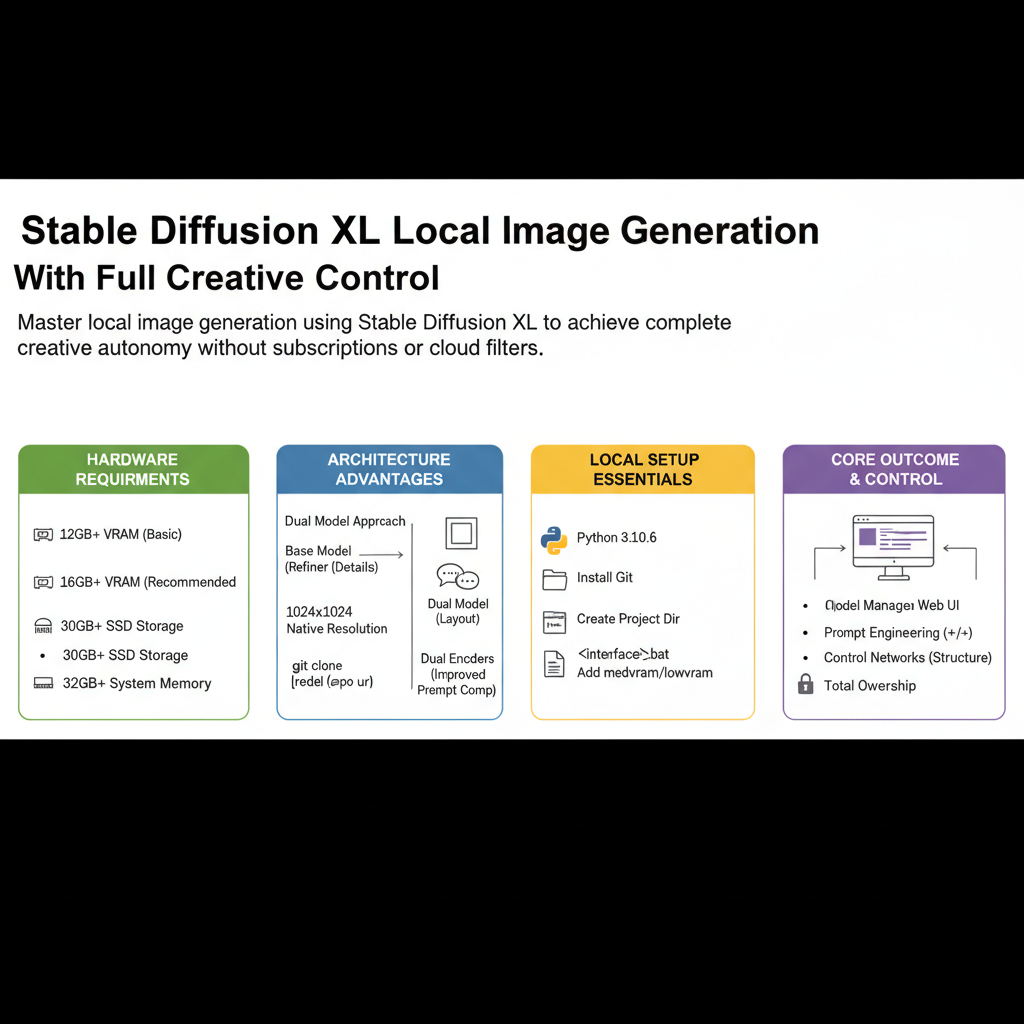
Master local image generation using Stable Diffusion XL to achieve complete creative autonomy without subscriptions or cloud filters.
Introduction to Stable Diffusion XL
Cloud-based image generators charge monthly fees while censoring your creative intent behind corporate safety walls. Running Stable Diffusion XL locally on your own hardware gives you absolute ownership over every pixel, prompt, and parameter. This comprehensive tool guide explores how to configure, optimize, and master local generation workflows to produce professional grade imagery.
Who This Guide Is for
This guide is built for digital artists, independent creators, developers, and technical enthusiasts who want total independence from third-party cloud services. If you are tired of arbitrary content filters, unpredictable subscription price hikes, and privacy policies that claim rights over your generated assets, this is your blueprint. You will learn how to turn raw hardware into a custom generation studio.
Prerequisites and Hardware Requirements
Running SDXL locally demands serious computing power compared to earlier model iterations. You need a dedicated graphics card with substantial video random access memory to process the base and refinement pipelines efficiently. Here are the minimum and recommended hardware specs to get started today.