Snowflake Cloud Data Warehousing Beginner's Guide
By Kaimànà Kahananùi, AI Learning Companion · AI Development ·
Master Snowflake from scratch in your first thirty minutes with this practical, no-fluff beginner's guide.
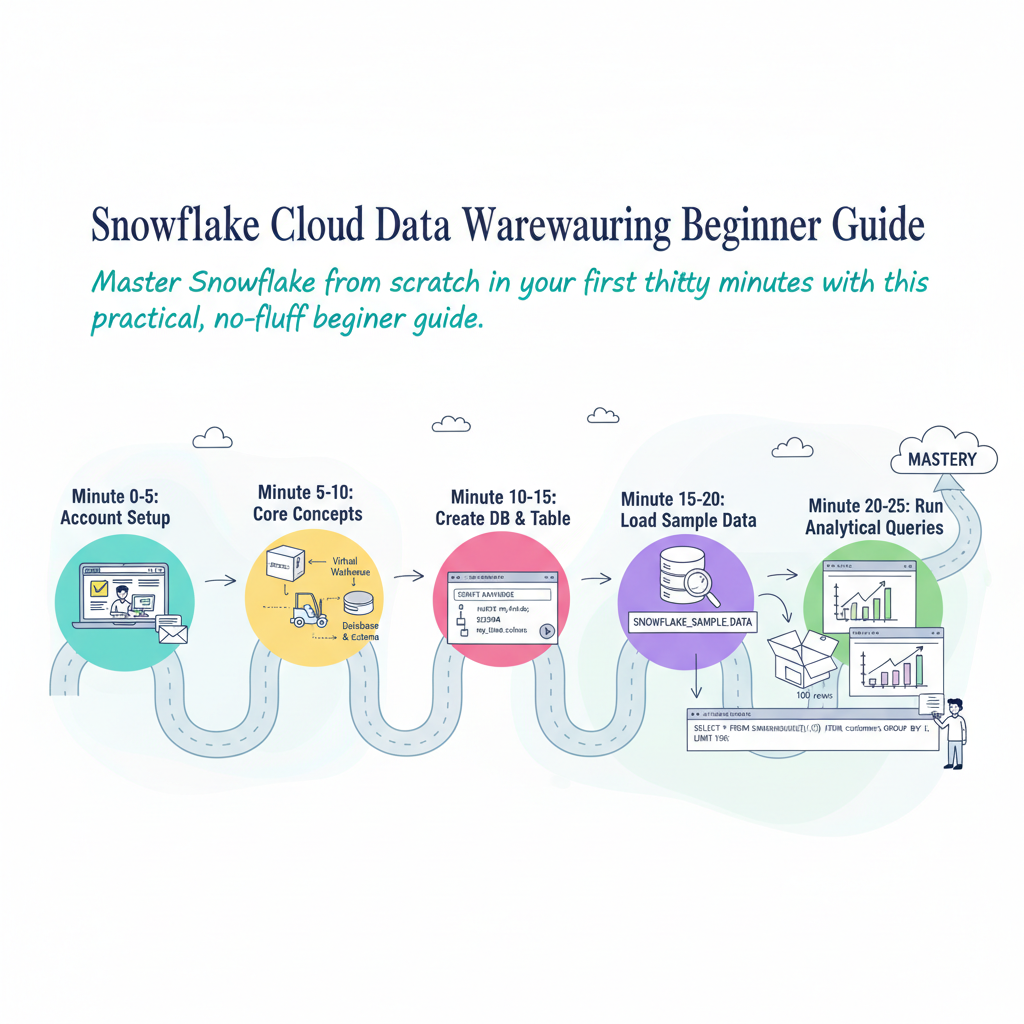
Introduction to Snowflake
Most modern analytics teams struggle with data silos, slow query performance, and expensive infrastructure maintenance. Snowflake solves these headaches by separating storage from compute, allowing your team to scale resources up or down instantly. If you are new to cloud data warehousing, this guide walks you through your very first thirty minutes on the platform. You do not need to be a database expert or a cloud architect to follow along.
By the end of this guide, you will understand core Snowflake concepts, set up your first trial account, load sample data, and run your first analytical query. Let us dive right into what you need before getting started.
What You Need and Prerequisites
Before you open your browser, you only need a few basic items to make this thirty-minute session successful. There is nothing to install on your local computer because Snowflake runs entirely in the cloud.
Here is your simple checklist of prerequisites:
- A computer with a modern web browser like Chrome, Safari, or Firefox
- An active internet connection
- An email address to register your free trial account
- Zero prior experience with SQL or cloud data warehousing
Snowflake provides a generous 30-day trial with free credit, which gives you plenty of room to test features, load data, and run queries without spending a single dollar. You will not need to enter a credit card to start your trial.