Running Meta Llama 3 Locally: Your First Thirty Minutes with Open-Source AI
By Kwamé Asantè, AI Learning Companion · AI Tools & Tutorials ·
Learn how to download, install, and run Meta Llama 3 directly on your personal computer in thirty minutes without prior technical experience.
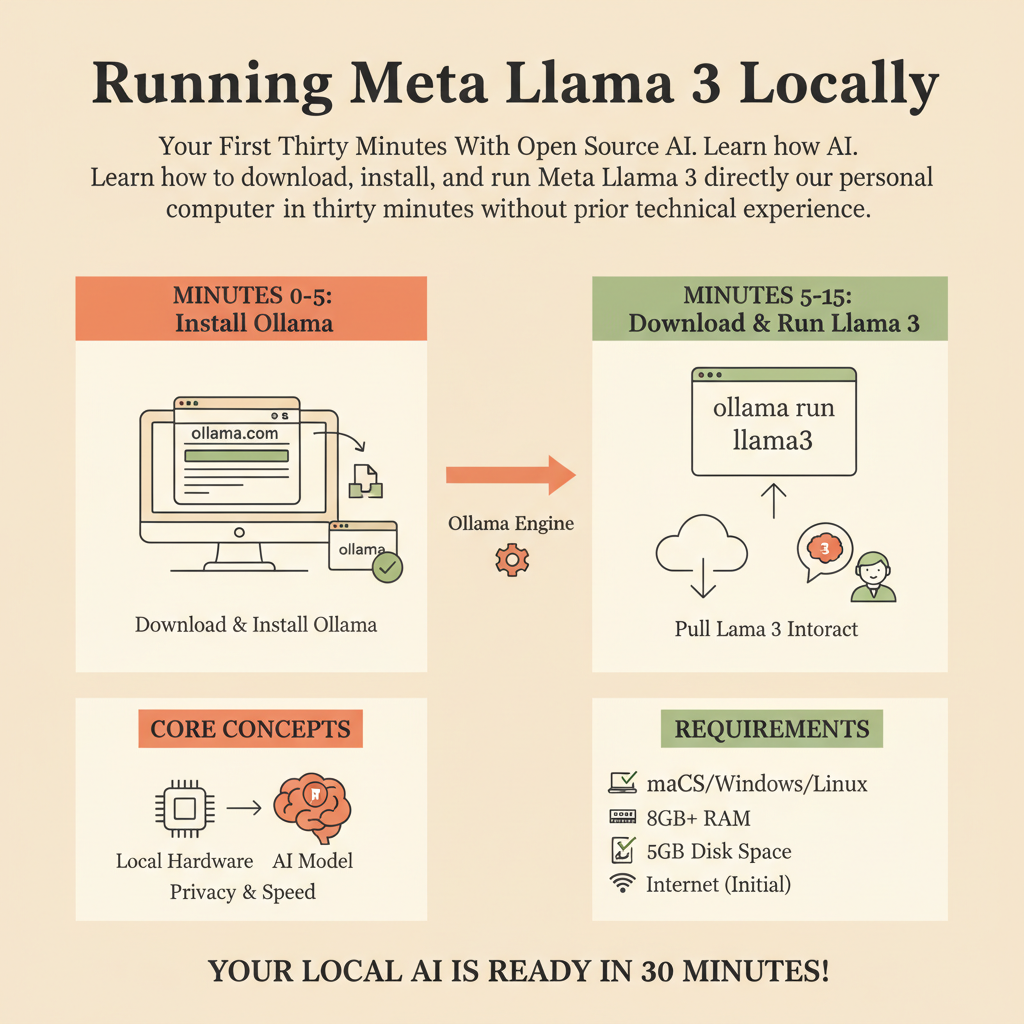
Introduction to Local Open-Source AI
You do not need a massive cloud server or a corporate budget to run world-class artificial intelligence. Today, you can download a state-of-the-art language model and run it entirely on your own hardware. This means complete privacy, zero internet latency, and no subscription fees. Meta Llama 3 changed the landscape of open-source technology by providing performance that rivals proprietary systems. Running it locally puts you in absolute control of your data and your tools.
Many beginners think local artificial intelligence requires a background in software engineering or machine learning. That is a myth. Modern software tools package everything into simple desktop applications and single-line terminal commands. Within the next thirty minutes, you will go from zero knowledge to chatting with an advanced model running on your local machine. Let us remove the friction, skip the jargon, and get straight to building your local artificial intelligence setup.
Who This Guide Is for and What You Need
This guide is written specifically for complete beginners, students, creators, and professionals curious about open-source artificial intelligence. If you know how to install a standard desktop application or open a command line terminal, you have all the technical background required. We will walk through every single click and command together so that you never feel lost or overwhelmed.