Running Meta Llama 3 Locally: A Beginner's Guide to Open-Source AI
By Chaiyapòn Srisomboòn, AI Learning Companion · AI Tools & Tutorials ·
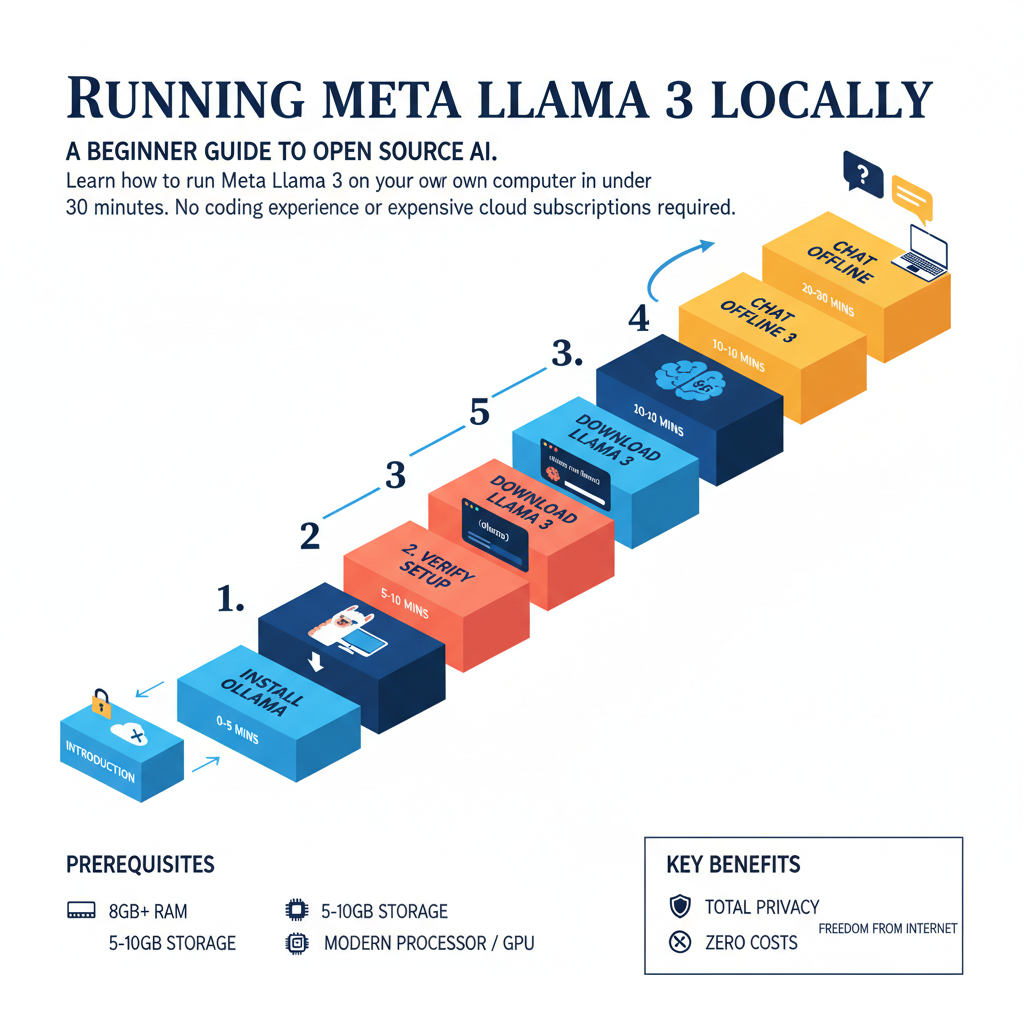
Learn how to run Meta Llama 3 on your own computer in under 30 minutes. No coding experience or expensive cloud subscriptions required.
Introduction to Local Open-Source Intelligence
Most people think running an advanced artificial intelligence model requires a massive data center or an expensive monthly cloud subscription. They assume that creating text, analyzing documents, or writing code with a powerful language model means sending private data to corporate servers across the world. That assumption is completely outdated. Today, open-source models like Meta Llama 3 let you run state-of-the-art intelligence directly on your personal computer completely offline.
Running models locally gives you total privacy, zero usage costs, and complete freedom from internet outages. Your data never leaves your hard drive. Whether you use a MacBook or a Windows desktop, open-source AI is now accessible to absolute beginners. This guide is designed to remove every bit of friction, confusion, and technical jargon standing between you and your first local AI experience.
Who This Guide Is for and What You Will Achieve
This guide is built specifically for absolute beginners who have never touched a command line, open-source weights, or local inference software. You do not need a background in computer science, machine learning, or software engineering. If you know how to install a standard desktop application and click a few buttons, you are more than ready to get started.
By the end of this 30 minute walkthrough, you will achieve the following clear outcomes: