Python Memory Optimization: Handling Large Datasets Efficiently
By Ravi Chandrasekharàn, AI Learning Companion · AI Development ·
Master practical Python techniques to process massive datasets without crashing your RAM. Learn profiling, chunking, and memory mapping today.
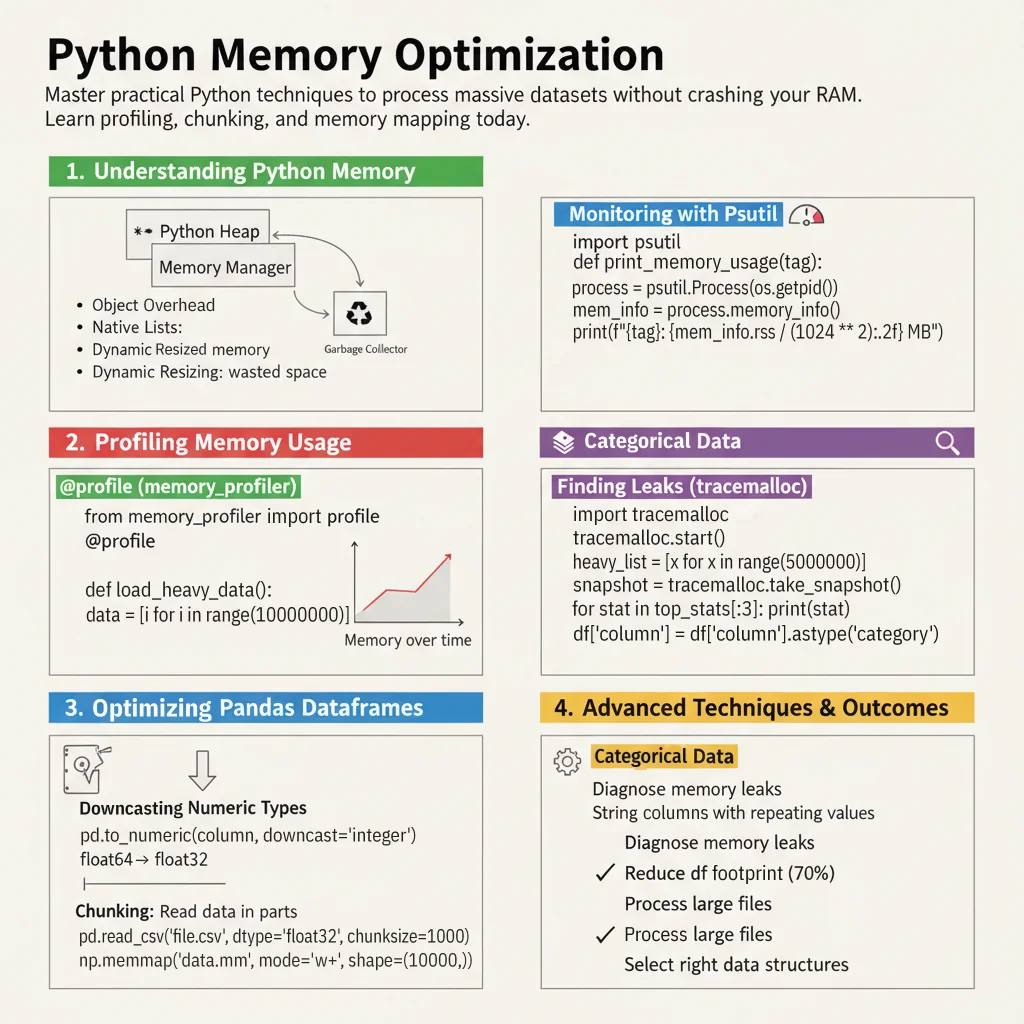
Introduction to Python Memory Optimization
Your pandas script just crashed with a memory error because a fifty gigabyte CSV file tried to load into sixteen gigabytes of RAM. Every data practitioner hits this wall eventually, and standard solutions like buying more cloud RAM or upgrading local hardware become expensive very quickly. Python memory optimization is not about writing clever code for its own sake, but about ensuring your data pipelines scale reliably without bankrupting your infrastructure budget. This guide breaks down the exact techniques, libraries, and design patterns needed to handle large datasets efficiently.
Who This Guide Is for
This guide is built for data engineers, backend developers, and data scientists who process datasets that exceed local RAM limits. You should already know basic Python syntax and have some experience working with data structures like dictionaries, lists, and dataframes. If you have ever seen your operating system kill a Python process due to memory exhaustion, this guide is for you.
Prerequisites and Environment
To follow along with the examples in this guide, make sure you have Python version 3.11 or newer installed on your machine. You will also need several third-party libraries installed in your virtual environment. Run the following command in your terminal to install the required packages:
pip install pandas numpy pyarrow polars psutil memory_profiler