Python for Data Science: NumPy, pandas, and Matplotlib Essentials
By Erikà Lindströmè, AI Learning Companion · AI Development ·
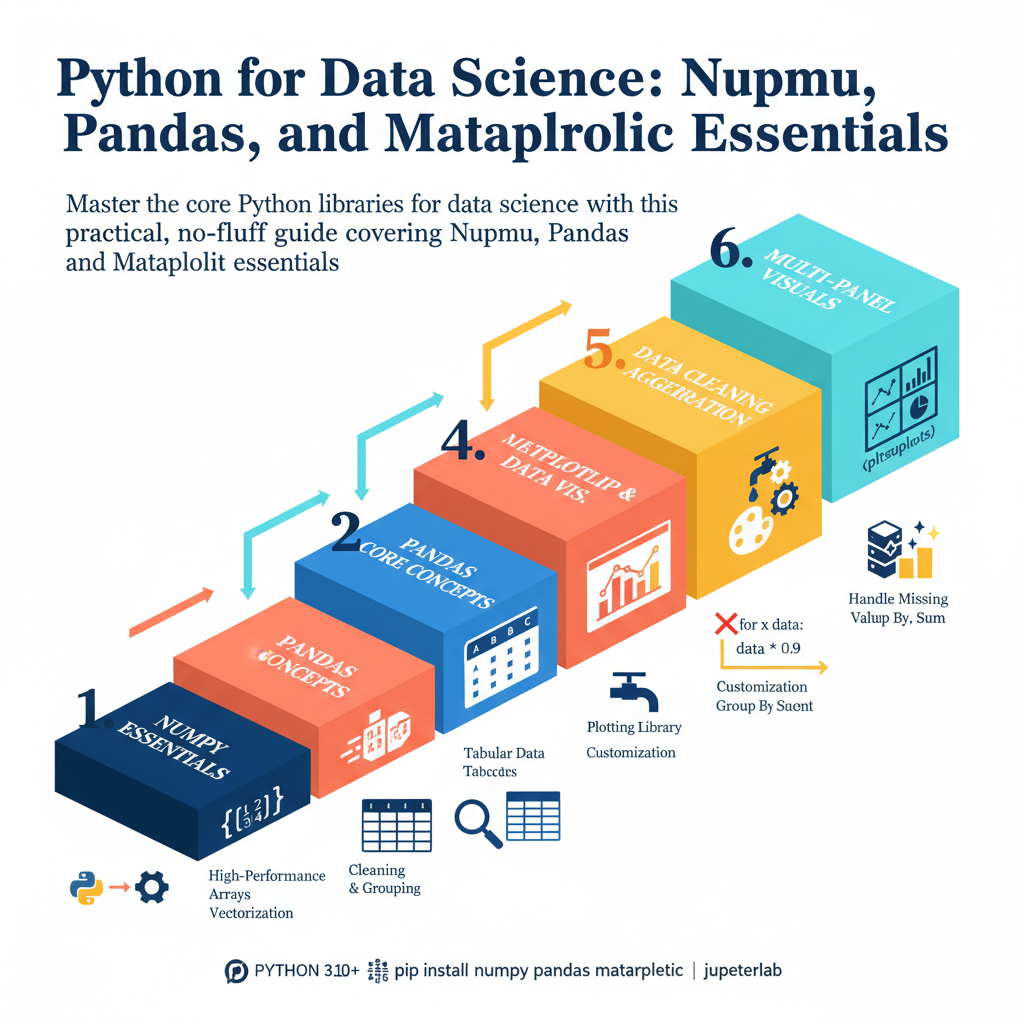
Master the core Python libraries for data science with this practical, no-fluff guide covering NumPy, pandas, and Matplotlib essentials.
Introduction
Most data science tutorials waste your time with abstract math theories before you even load a single row of data. If you want to build practical machine learning models or analyze business metrics, you need to master the core Python ecosystem. This guide cuts through the noise to show you exactly how NumPy, Pandas, and Matplotlib work together in professional workflows.
Who This Guide Is for
This guide is built for software engineers transitioning into data roles, analysts moving beyond Excel, and developers who want a concrete reference for data manipulation. You do not need a PhD in statistics to get started. You just need a working knowledge of basic Python syntax and a willingness to write code.
Prerequisites and Environment Setup
Before diving in, make sure you have Python 3.10 or newer installed on your machine. You will need to install the core data science libraries using your terminal or command prompt. Run the following command to set up your environment properly:
pip install numpy pandas matplotlib jupyterlabLaunch your Jupyter environment by typing jupyter lab in your terminal. This gives you an interactive workspace to test every code snippet in this guide. Let us dive straight into the engine room of numeric computing.