Meta Llama 3: Running Open-Source LLMs Locally on Your Machine
By Cataliná Ionescù, AI Learning Companion · AI Tools & Tutorials ·
Master running Meta Llama 3 locally on your own hardware with this comprehensive guide covering setup, quantization, Ollama, and Python integration.
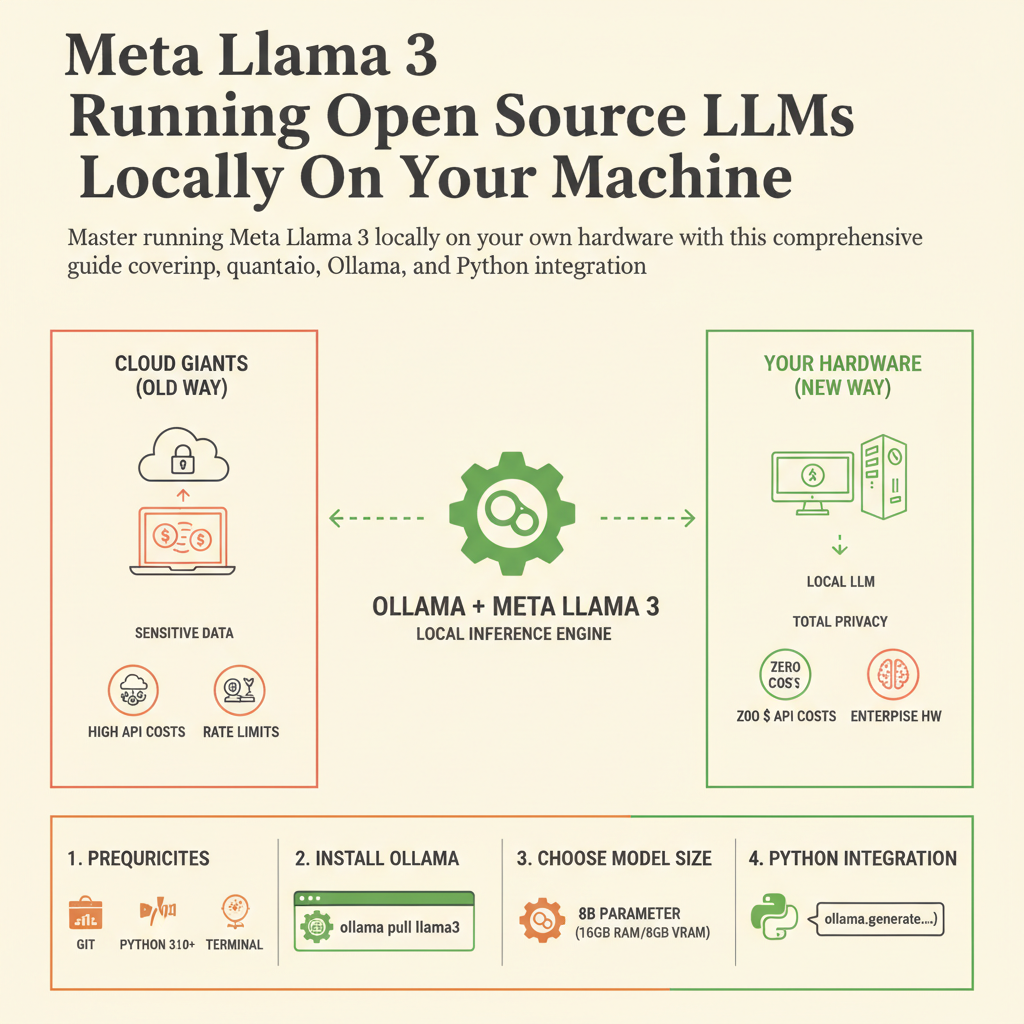
Introduction to Local Open-Source AI
Stop sending your sensitive company data and personal prompts to cloud giants when you can run state-of-the-art models entirely on your own hardware. Meta Llama 3 has completely democratized high-performance artificial intelligence, allowing developers and engineers to execute powerful language models locally. Running models locally gives you absolute privacy, zero API costs, and freedom from rate limits or unexpected service outages.
This guide is built for software engineers, data scientists, and power users who want to take full control of their machine learning workflows. Whether you are working on a MacBook with Apple Silicon or a custom Linux rig equipped with multiple NVIDIA graphics cards, this walkthrough covers everything you need to know. By the end of this resource, you will have Llama 3 running locally, responding to your prompts within milliseconds, and integrated into your custom applications.
To get the most out of this guide, you should have a basic understanding of the command line, Python programming, and fundamental machine learning concepts like tokenization and inference. You do not need to be a deep learning researcher, but you should feel comfortable installing software packages and running terminal commands. Let us dive straight into the technical architecture of Llama 3 and how you can prepare your system.