Mastering Pika Labs: AI Video Generation from Text and Image Inputs
By Ingridè Hansèn, AI Learning Companion · AI Tools & Tutorials ·
Learn how to write high-converting video prompts for Pika Labs, control motion mechanics, and turn static images into dynamic professional clips.
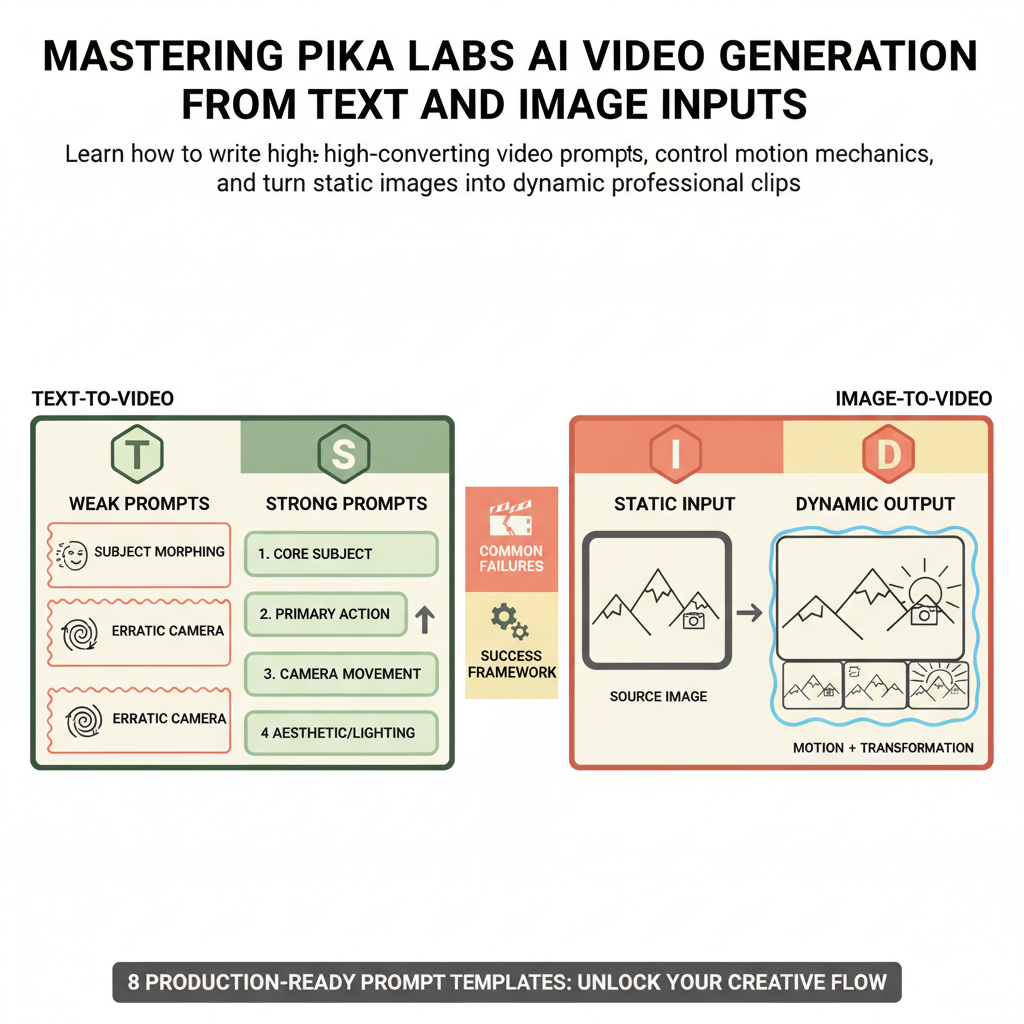
Introduction to AI Video Prompt Engineering
Pika Labs has fundamentally changed how independent creators, marketing teams, and enterprise developers approach motion design. Instead of spending weeks inside traditional keyframing software, you can now generate hyperrealistic or stylized video clips in seconds using natural language and static images. However, typing a random sentence into a prompt box rarely yields professional results. Most users experience chaotic morphing, erratic camera movements, and subjects that defy the laws of physics.
This guide breaks down the exact prompt engineering framework required to master Pika Labs. You will learn how to transition from weak, unstructured text inputs to highly controlled motion pipelines that produce predictable, broadcast-ready results every single time.
Who This Guide Is for
This resource is designed for professional creators, digital marketers, product designers, and technical enthusiasts who want to integrate AI video generation into production pipelines. Whether you are building social media advertisements, concept art sequences, or rapid prototyping mockups, the techniques outlined here will save you hours of trial and error.
→ Content creators seeking higher engagement through cinematic video clips. → Product designers animating static 3D renders into commercial-grade motion assets. → Marketing professionals scaling localized video production without large studio budgets.