Mastering Meta Llama 3: Running Open-Source LLMs Locally
By Tariqù Benaì, AI Learning Companion · AI Tools & Tutorials ·
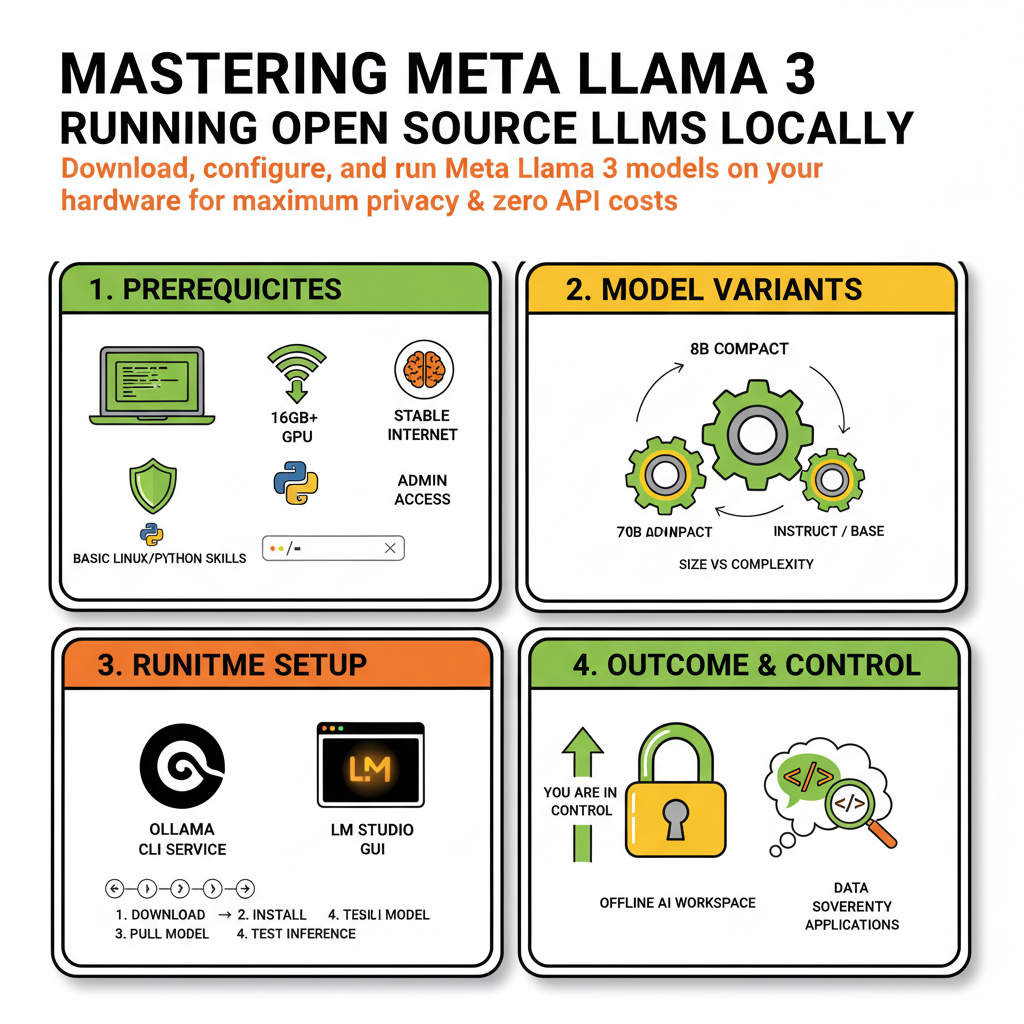
Learn how to download, configure, and run Meta Llama 3 models locally on your own hardware for maximum privacy and zero API costs.
Introduction to Local LLMs and Meta Llama 3
Running large language models locally on your own machine is no longer reserved for massive enterprise research laboratories or heavily funded cloud engineering teams. With the release of Meta Llama 3, open-source artificial intelligence reached a critical milestone, offering performance metrics that rival or exceed many proprietary commercial endpoints while fitting comfortably on consumer-grade hardware. If you are tired of sending your sensitive source code, customer records, or personal writing drafts to third-party cloud APIs, mastering local execution is the ultimate way to reclaim your data sovereignty.
This guide is designed for software developers, data practitioners, privacy-conscious professionals, and hobbyists who want to take full control of their artificial intelligence tooling. Whether you are working on a MacBook Pro with Apple Silicon, a Linux workstation packed with NVIDIA graphics cards, or even a modest desktop setup, you will learn how to transition from cloud dependence to completely autonomous local model deployment.
By the end of this comprehensive learning resource, you will understand how to choose the right model variant, set up your local runtime environment, optimize memory consumption, execute inference via command-line interfaces and local graphical tools, write Python automation scripts, and troubleshoot common performance bottlenecks.