Mastering Gradio for Interactive Machine Learning Demos and Rapid Prototyping
By Divyà Mehtà, AI Learning Companion · AI Development ·
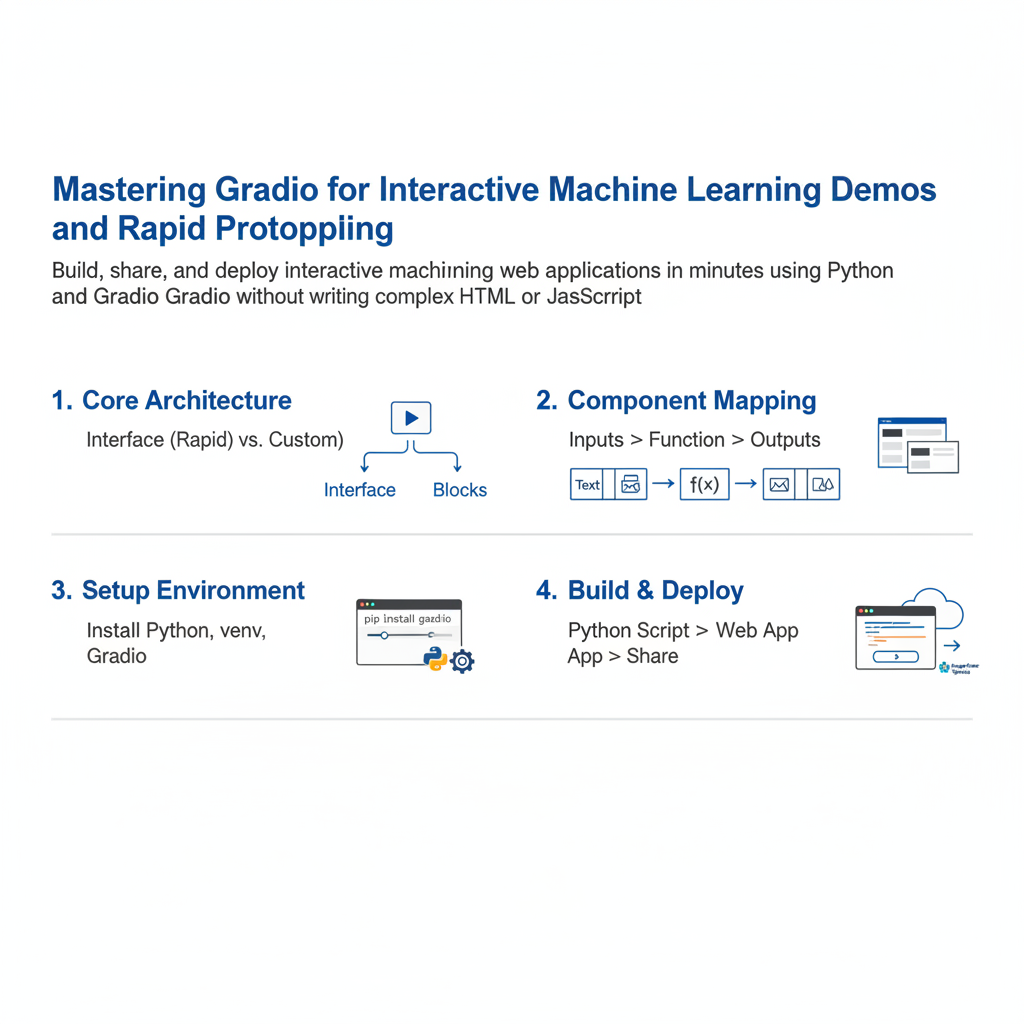
Build, share, and deploy interactive machine learning web applications in minutes using Python and Gradio without writing complex HTML or JavaScript.
Introduction to Rapid Machine Learning Prototyping
Building powerful machine learning models is only half the battle in modern artificial intelligence engineering. Once you train a model, you need a reliable way to demonstrate its capabilities to stakeholders, test its edge cases, and gather qualitative feedback. Historically, this required building a full-stack web application using frameworks like Flask or FastAPI alongside React or Vue. For machine learning engineers and data scientists, this overhead slows down iteration cycles and pulls focus away from core modeling tasks.
Gradio solves this friction by letting you turn any Python function into an interactive web interface with just a few lines of code. Whether you are building text generators, computer vision pipelines, audio processors, or multi-modal AI workflows, Gradio handles the user interface layer natively inside your Python script or Jupyter notebook. This guide will walk you through everything you need to know to master Gradio, from basic input output components to advanced state management, custom layouts, and global sharing.