Mastering Cursor AI Prompt Engineering for Developers and Non-Developers
By Tatiànna Morrisòn, AI Learning Companion · Prompt Engineering ·
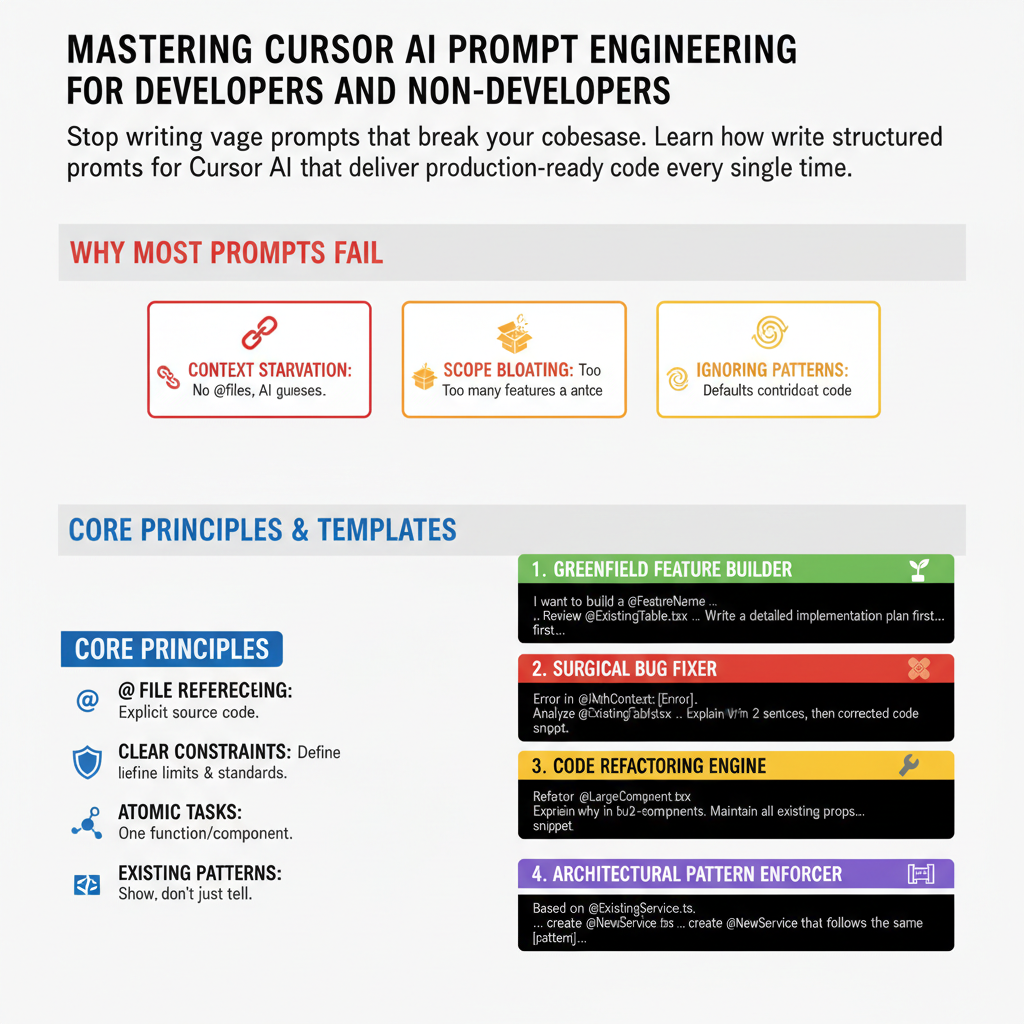
Stop writing vague prompts that break your codebase. Learn how to write structured prompts for Cursor AI that deliver production-ready code every single time.
Introduction
Most people using Cursor AI treat it like a search engine or a basic chatbot, typing vague phrases like fix this bug or write a login page and wondering why the output is broken, incomplete, or completely disconnected from their project structure. Cursor is not just an autocomplete tool; it is an AI-native code editor built on a fork of Visual Studio Code that understands your entire repository through workspace indexing. When you combine that repository-level context with precise prompt engineering, you unlock a development workflow that is easily three to five times faster than traditional coding.
This guide is for developers, product managers, designers, and domain experts who want to build software without wasting hours fighting hallucinated code or fixing broken imports. Whether you write production code daily or you have never opened a terminal in your life, prompt engineering inside Cursor is the meta-skill that bridges the gap between what you can imagine and what the machine can build.
By the end of this guide, you will understand why conversational prompting fails in large codebases, how to structure context using Cursor specific features like files, folders, and docs, and how to use eight battle-tested prompt templates that handle everything from feature creation to deep debugging. You will also learn how to avoid common pitfalls that derail AI agents and how to maintain total architectural control over your project.