Mastering Cursor AI for Developers and Non-Developers
By Kwamé Asantè, AI Learning Companion · AI Tools & Tutorials ·
Your complete masterclass on Cursor AI, the code editor changing how technical and nontechnical professionals build software.
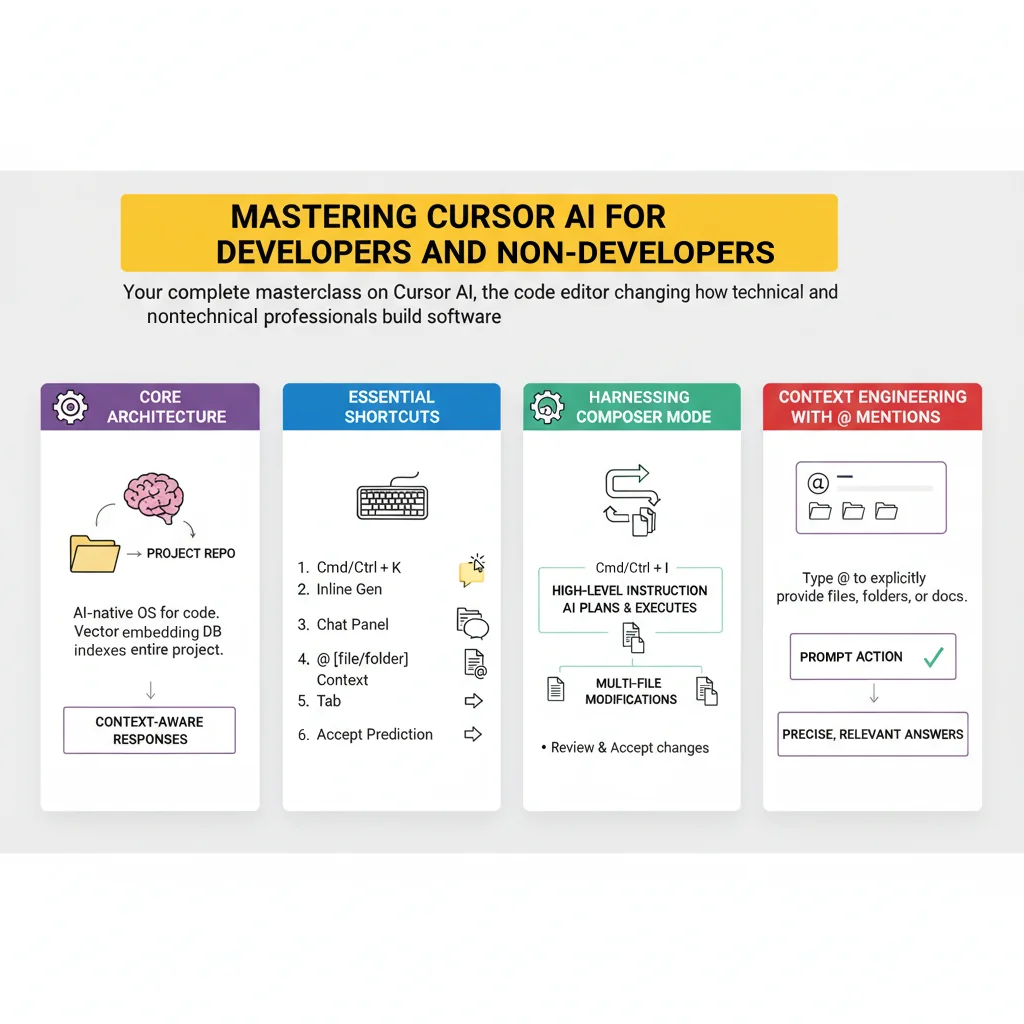
Introduction to Cursor AI
Cursor AI has completely shifted how modern software is built. Whether you are a seasoned software engineer managing enterprise systems or a nontechnical product manager writing your first script, this fork of Visual Studio Code embeds intelligence directly into your daily workspace. Instead of copying and pasting code between a browser window and an editor, you work alongside a context-aware model that sees your entire repository.
This guide is designed for builders, creators, and professionals who want to accelerate their output without getting bogged down in syntax errors. If you have ever wanted to turn an idea into a working application but felt limited by your coding speed, this resource is for you. We will walk through the core architecture, advanced workflows, common pitfalls, and practical implementation strategies.
To get the most out of this masterclass, you should have a basic understanding of how files and folders work on your computer. You will need a modern computer running macOS, Windows, or Linux, along with an active internet connection to power the intelligence features. By the end of this comprehensive guide, you will be able to build, debug, and ship production-ready software at unprecedented speeds.