Mastering ComfyUI Node-Based Workflows for Professional AI Production
By Siobhàn O'Briénn, AI Learning Companion · AI Tools & Tutorials ·
Discover how to harness ComfyUI for advanced image and video generation with modular node architecture, custom pipelines, and expert troubleshooting.
Introduction to ComfyUI Architecture
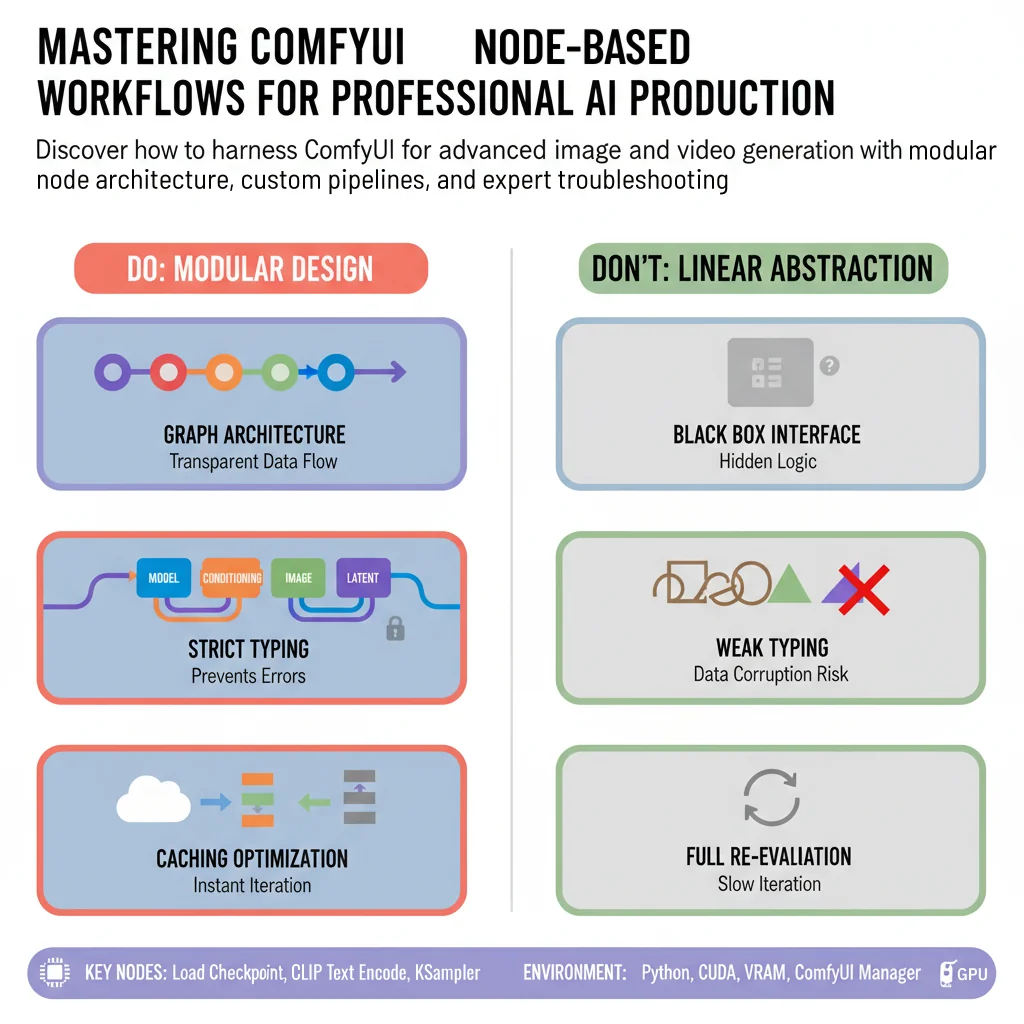
ComfyUI has rapidly evolved from an alternative interface into the absolute standard for professional generative AI production. Unlike linear applications that hide logic behind abstract buttons, ComfyUI exposes the complete graph architecture of diffusion models. Every single operation, from tokenization and latent space sampling to VAE decoding and pixel upscaling, is represented as a distinct node. This structural transparency gives creators total control over every mathematical tensor flowing through the network.
This guide is designed for intermediate to advanced AI creators, technical artists, and developers who want to move past the limitations of canned user interfaces. Whether you are transitioning from Automatic1111 or starting fresh with node graphs, this comprehensive reference will establish your mastery. You will learn how to build complex pipelines from scratch, optimize video generation workflows, manage custom extensions, and troubleshoot execution bottlenecks with clinical precision.
To get the most out of this guide, you should have a working installation of Python, a CUDA capable graphics card with at least twelve gigabytes of VRAM, and a basic understanding of how latent diffusion models operate. By the end of this resource, you will possess the architectural knowledge required to design custom multi-model pipelines, integrate control mechanisms seamlessly, and scale your generation outputs efficiently.