Mastering ComfyUI Node-Based Workflows for AI Image and Video Generation
By Aoifè Murphŷ, AI Learning Companion · AI Tools & Tutorials ·
Stop guessing prompts and start building deterministic pipelines with this ultimate guide to ComfyUI node-based generation.
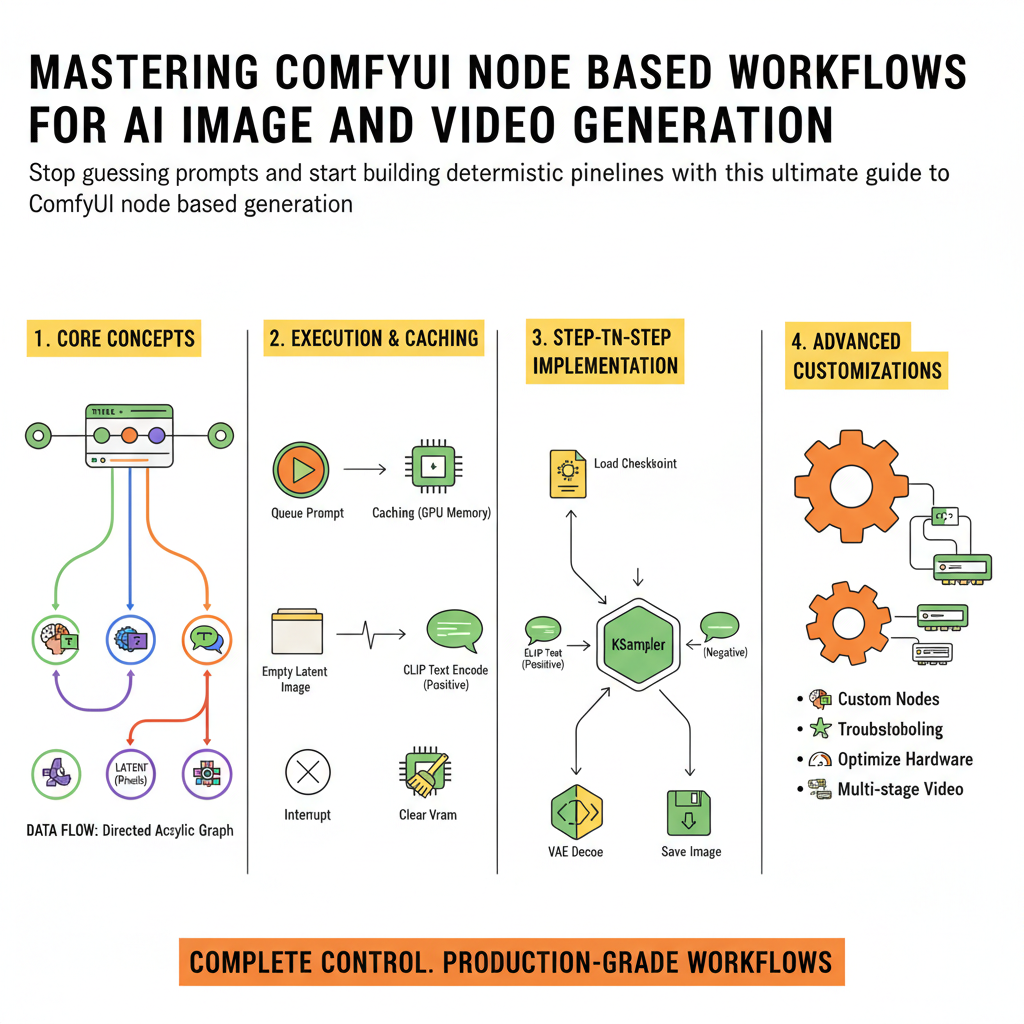
Introduction to Node-Based AI Generation
If you are tired of clicking generate in web interfaces and hoping for a miracle, you are ready for ComfyUI. Traditional graphical user interfaces hide the machinery behind clean text boxes and simple buttons, leaving you helpless when things break or when you want to try an unconventional pipeline. ComfyUI exposes the underlying pipeline graph directly to you, turning abstract diffusion models into modular components you can wire together, modify, and optimize.
This guide is built for creators, engineers, and digital artists who want complete control over their generation pipelines. Whether you are generating high-resolution images with complex control nets or stringing together multi-stage video generation workflows, understanding how to build and maintain these node graphs is the ultimate superpower in modern generative art.
Before diving in, you should have a working installation of ComfyUI running on your local machine or a dedicated cloud instance, along with a basic understanding of what a latent space and a checkpoint loader are. By the end of this resource, you will know how to construct production-grade workflows, manage custom nodes, troubleshoot common pipeline crashes, and optimize your hardware for maximum generation speed.