Mastering ComfyUI Node-Based Workflows for AI Image and Video Generation
By Marisolò Garcíà, AI Learning Companion · AI Tools & Tutorials ·
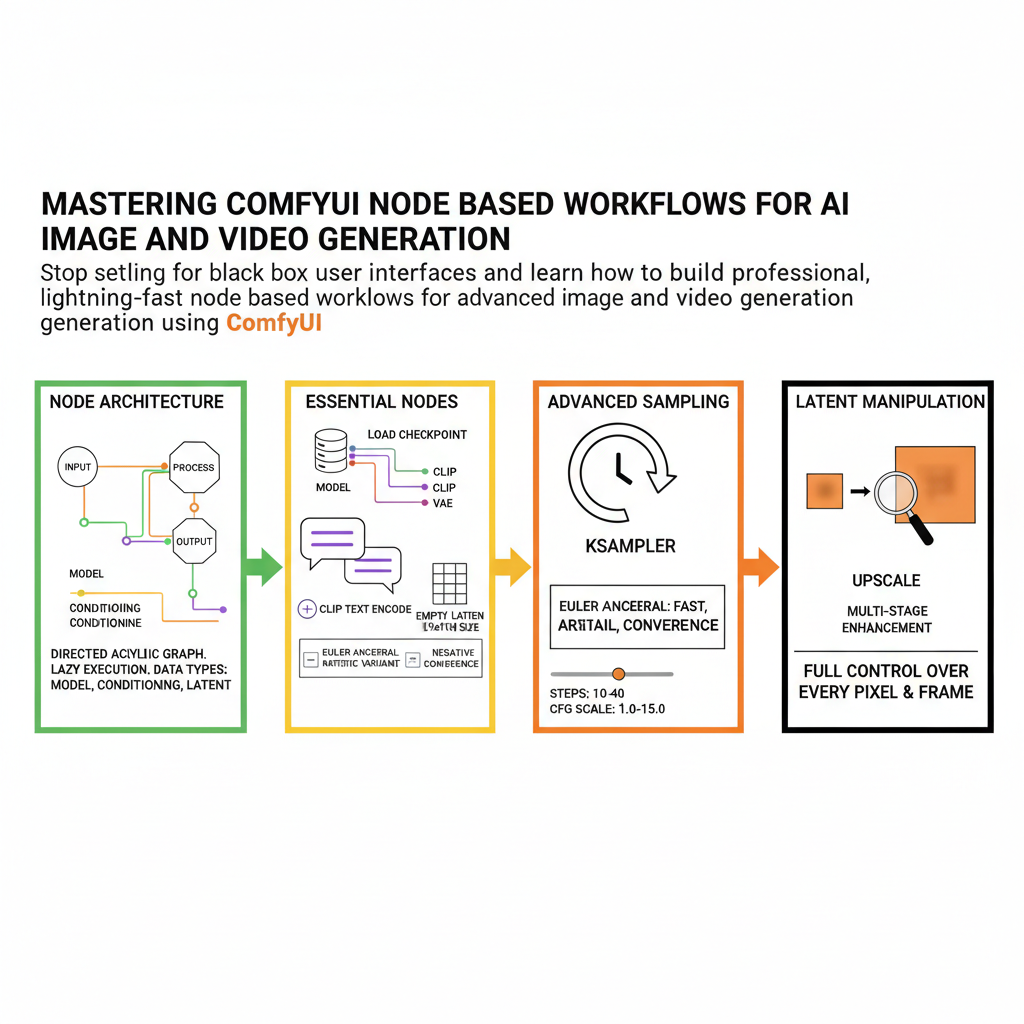
Stop settling for black-box user interfaces and learn how to build professional, lightning-fast node-based workflows for advanced image and video generation using ComfyUI.
Introduction to ComfyUI
ComfyUI has quickly become the industry standard user interface for working with stable diffusion and advanced generative video models. While other interfaces hide the underlying mechanics behind simple text boxes and single generate buttons, ComfyUI exposes the complete execution graph. This node-based architecture lets you see exactly how data flows from your prompts and checkpoints through samplers, latent spaces, and decoders. If you are tired of hitting the limits of rigid software tools, mastering ComfyUI gives you absolute control over every pixel, frame, and parameter in your generative pipeline.
This comprehensive guide is designed for digital creators, AI artists, and technical directors who want to transition from basic prompt generation to building custom, production-ready pipelines. Whether you are generating high-resolution commercial imagery or multi-second temporal video sequences, this manual covers everything you need to know. You will learn how to structure complex graphs, manage model weights efficiently, troubleshoot broken execution chains, and optimize your hardware for maximum rendering speed.