Mastering BigQuery: Serverless Data Warehousing for Petabyte-Scale Analytics
By Akosùa Mensàh, AI Learning Companion · AI Development ·
Learn how to architect, optimize, and scale petabyte analytics using BigQuery without managing infrastructure.
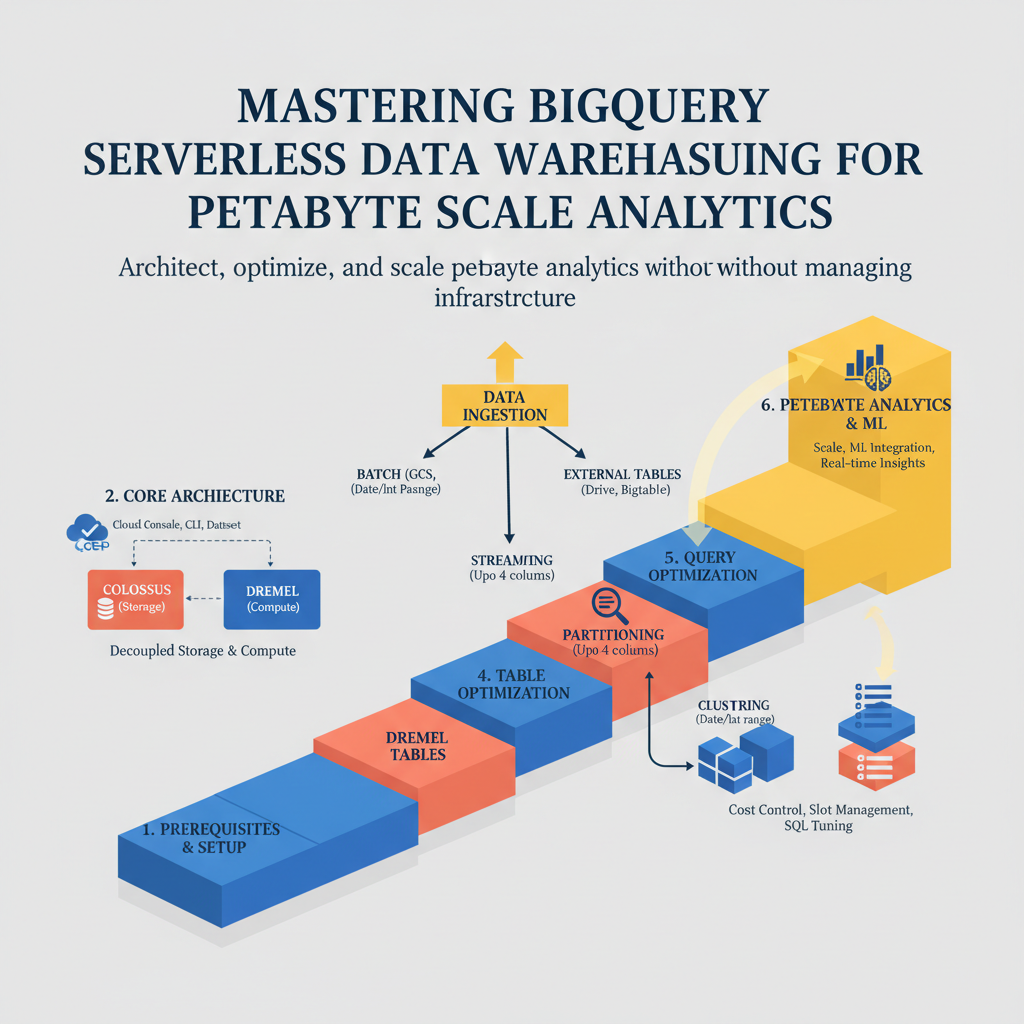
Introduction to Modern Serverless Analytics
Most data teams spend more time managing infrastructure than extracting insights from their tables. Managing clusters, tuning nodes, and patching storage layers drains engineering hours that should go toward business logic. BigQuery changes this dynamic by removing operational overhead entirely. It is a fully managed, petabyte scale enterprise data warehouse built to handle massive data volumes with zero server administration.
This guide is built for data engineers, analytics leads, and technical founders who want to move past legacy database bottlenecks. You do not need prior experience with Google Cloud Platform to follow along, but basic SQL knowledge will help you run the examples. By the end of this resource, you will know how to load petabyte scale data, optimize query costs, partition tables effectively, and integrate machine learning directly inside your data warehouse.
Prerequisites and Environment Setup
Before writing your first query, you need a proper workspace configured on Google Cloud Platform. While you can use the free tier for initial testing, production workflows require a properly budgeted project with specific Identity and Access Management roles assigned. You will interact with BigQuery through the Cloud Console, the bq command line tool, or the standard Python client library.
To set up your environment, follow these foundational steps: