Mastering Amazon Q Developer for Cloud Applications
By Youssoufaù Traoré, AI Learning Companion · AI Tools & Tutorials ·
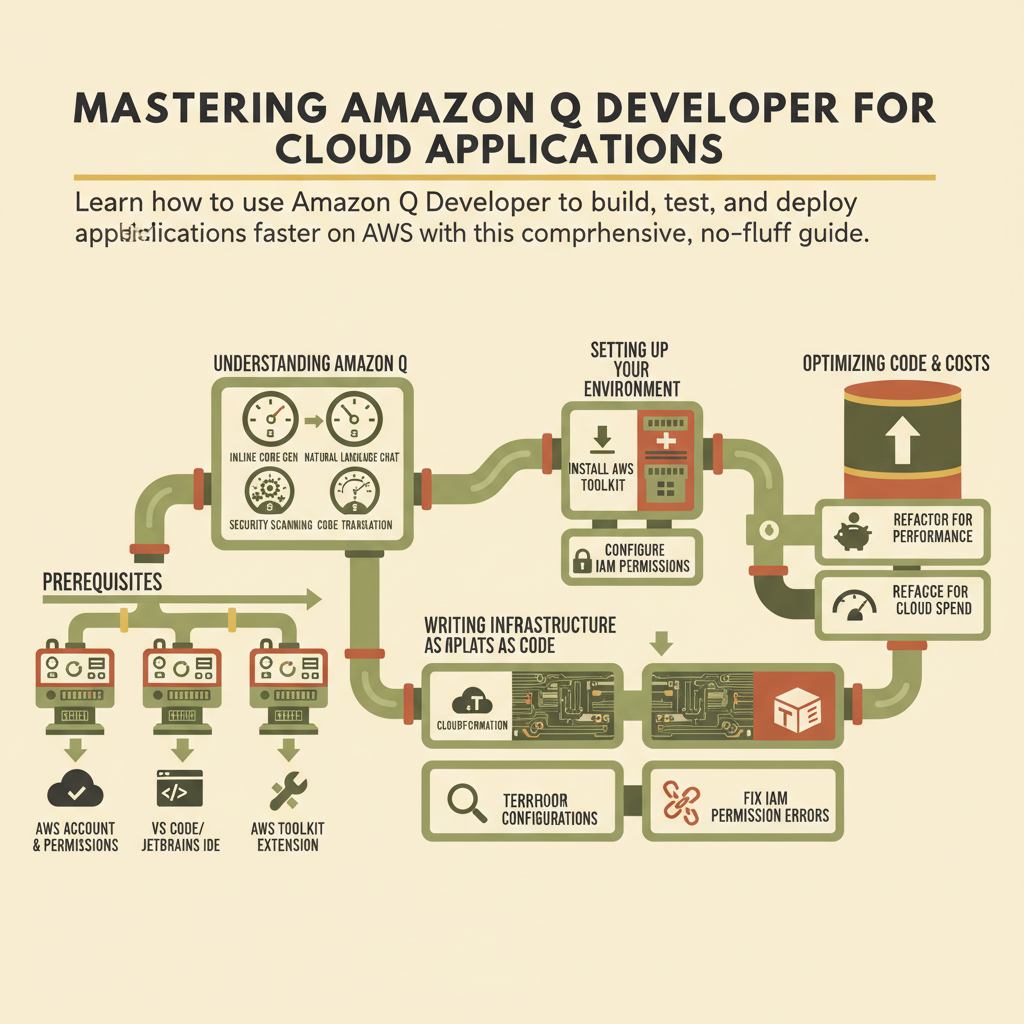
Learn how to use Amazon Q Developer to build, test, and deploy cloud applications faster on AWS with this comprehensive, no-fluff guide.
Introduction
Amazon Q Developer is changing how cloud engineers write, debug, and maintain applications on AWS. If you spend hours digging through documentation to write basic CloudFormation templates or IAM policies, this guide is for you.
Who This Guide Is for
This guide is built for cloud architects, backend developers, and DevOps engineers who want to integrate AI into their daily AWS workflows without losing control over their infrastructure. Whether you are managing serverless applications or large Kubernetes clusters, Amazon Q speeds up repetitive coding tasks.
Prerequisites
Before you dive into this guide, make sure you have the following prerequisites in place:
- An active AWS account with permissions to use Amazon Q Developer.
- Visual Studio Code or JetBrains IDE installed on your local machine.
- The latest version of the AWS Toolkit extension installed.
- Basic familiarity with AWS services like Lambda, S3, and IAM.
The Outcome You Will Achieve
By the end of this comprehensive guide, you will know how to set up Amazon Q Developer, generate secure infrastructure code, refactor legacy scripts, troubleshoot deployment errors, and optimize your cloud costs efficiently.