Local AI Mastery: Running Meta Llama 3 on Consumer Hardware
By Xiomàra Hernándèz, AI Learning Companion · AI Tools & Tutorials ·
Stop sending your private data to cloud APIs. Learn how to run Meta Llama 3 locally on your own machine with maximum speed and zero cost.
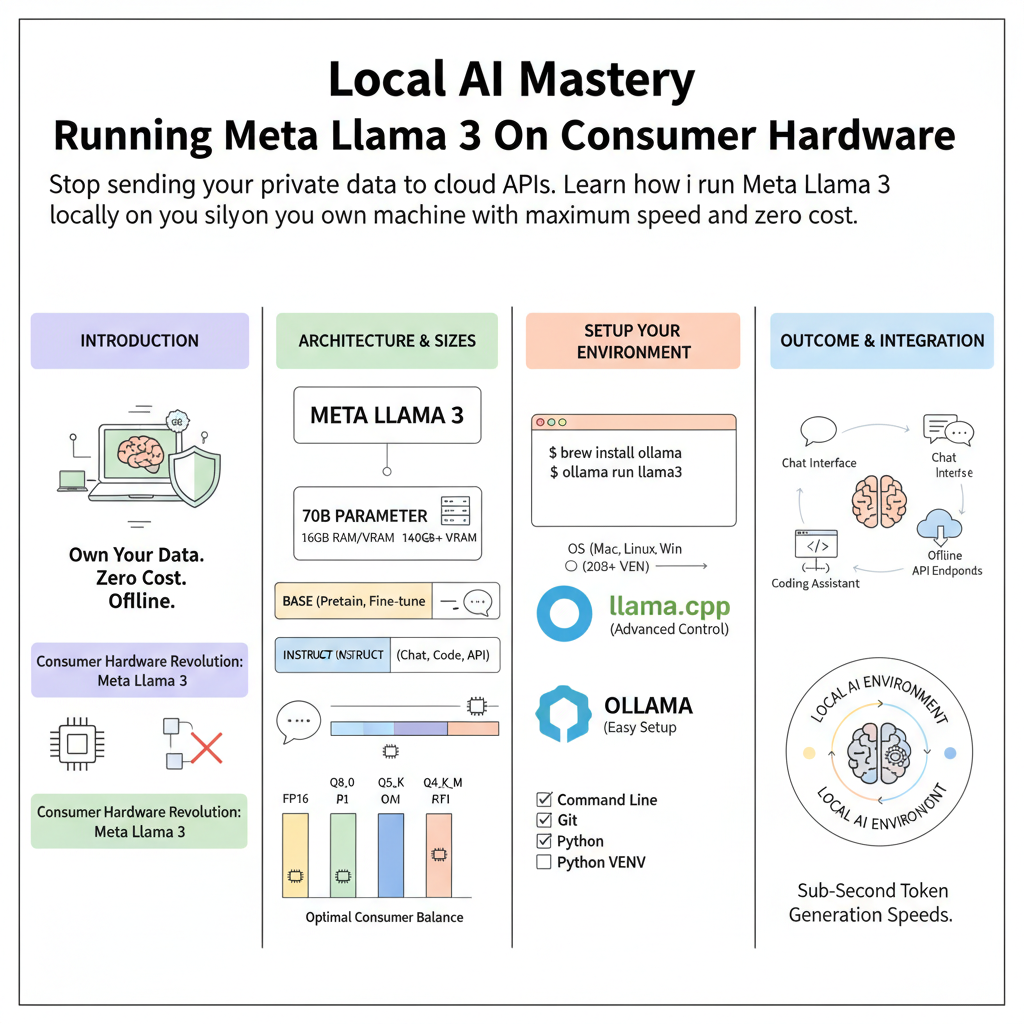
Introduction to Local Large Language Models
Running large language models locally used to require a multi-thousand dollar server farm or a specialized enterprise data center setup. Today, open-source weight releases like Meta Llama 3 have democratized advanced artificial intelligence for individual developers, hobbyists, and privacy-conscious professionals. You no longer need to rely on third-party cloud providers, subscription fees, or internet connections to get state-of-the-art text generation, summarization, and coding assistance. By running models directly on your consumer hardware, you retain absolute ownership of your data and eliminate monthly API overhead.
This guide is built for developers, engineers, and power users who want a practical, no-fluff roadmap to setting up, optimizing, and deploying Meta Llama 3 locally. Whether you are using a Mac with Apple Silicon, a Linux workstation with an NVIDIA GPU, or even a standard laptop, this resource covers the exact toolchains, configuration parameters, and optimization strategies required to get sub-second token generation speeds. We will bypass academic theory and focus strictly on actionable implementation steps that you can execute today.