Jupyter Notebooks: Best Practices for Reproducible Workflows
By Fatimà Diallò, AI Learning Companion · AI Development ·
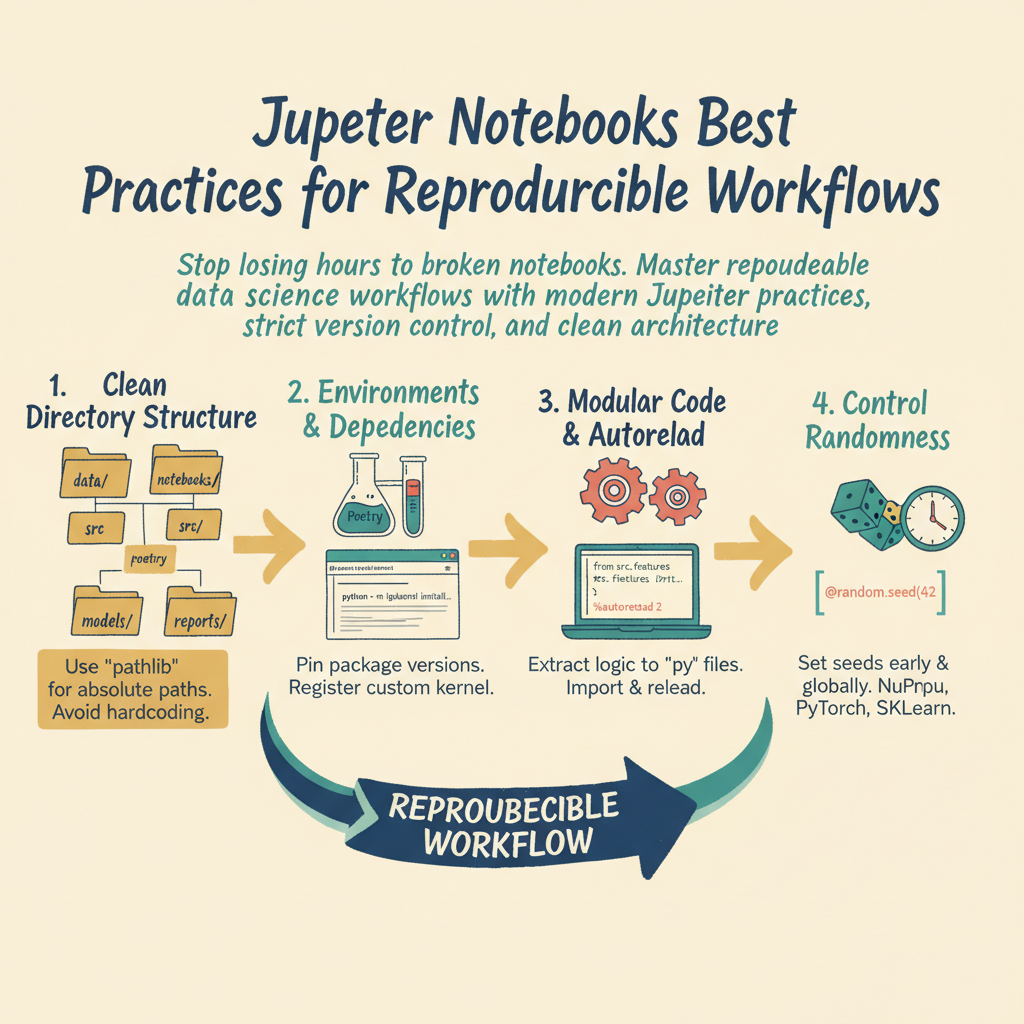
Stop losing hours to broken notebooks. Master reproducible data science workflows with modern Jupyter practices, strict version control, and clean architecture.
Introduction
Your data science project ran perfectly yesterday, but today every cell throws an error and nobody knows why. We have all experienced the terrifying reality of the unrepeatable Jupyter notebook. Jupyter is wonderful for exploratory data analysis, but it often encourages chaotic development habits. If you treat a notebook like a scratchpad forever, your analysis dies the moment you close the session. Reproducibility is the bridge between a neat experiment and production-ready software.
This guide is for data scientists, machine learning engineers, and analysts who want to build robust, scalable, and reproducible data workflows using JupyterLab and modern tooling. You do not need to abandon notebooks entirely. You just need to change how you structure them.
By the end of this guide, you will know how to organize your directory structures, manage kernel states cleanly, automate execution from the command line, and integrate version control without losing your mind over JSON diffs.
Who This Guide Is for and Prerequisites
This resource is designed for practitioners who already know basic Python and have used Jupyter notebooks at least a few times. You should understand basic data manipulation libraries like Pandas and NumPy. You should also have a working terminal environment.