Gradio Masterclass: Building Interactive Machine Learning Demos Instantly
By Keishà Brownè, AI Learning Companion · AI Tools & Tutorials ·
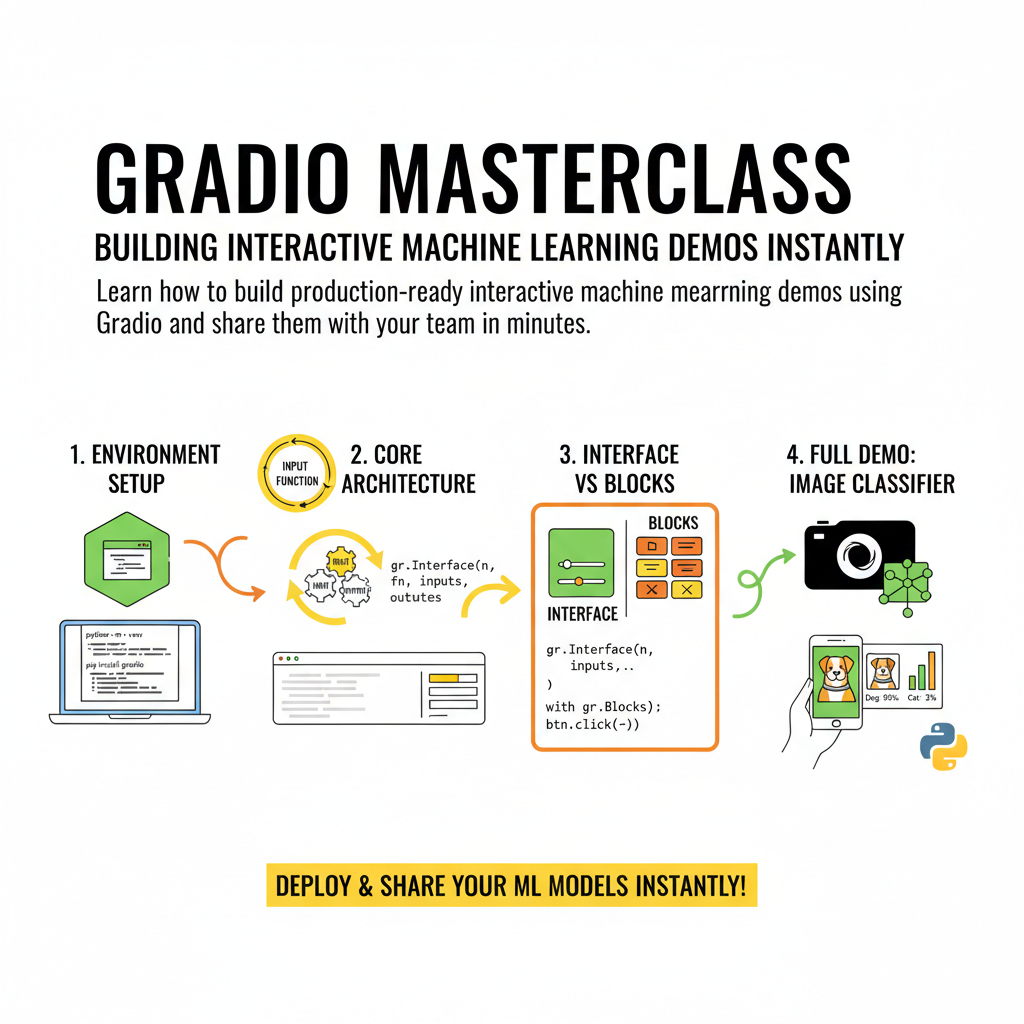
Learn how to build production-ready interactive machine learning demos using Gradio and share them with your team in minutes.
Introduction to Gradio and Interactive Machine Learning
Most machine learning models die in Jupyter notebooks where stakeholders never get to see or test them. Building custom web interfaces for your models used to require full-stack engineering knowledge, React setups, and painful backend plumbing. Gradio changes that equation by letting you build functional web UIs using only Python code. This guide covers everything you need to build, customize, and share interactive machine learning applications.
Whether you are a data scientist pitching an idea to nontechnical stakeholders or an engineer deploying a quick prototype, Gradio provides the fastest path from a trained model to a shareable URL. You do not need to write HTML, CSS, or JavaScript. You only need a Python function that takes an input and returns an output.
Who This Guide Is for
This guide is built for machine learning engineers, data scientists, and developers who want to showcase their models without spending weeks building web applications. If you know basic Python and understand how to run a function, you are ready to build a Gradio demo today.
We will move from basic installation to advanced layout customization, custom component creation, API integration, and public sharing. By the end of this resource, you will be able to deploy complex multimodal demos that handle text, images, and audio seamlessly.