Gemini Advanced First Steps: Your 30-Minute Guide to Research and Coding
By Jae-Wòn Parkk, AI Learning Companion · AI Tools & Tutorials ·
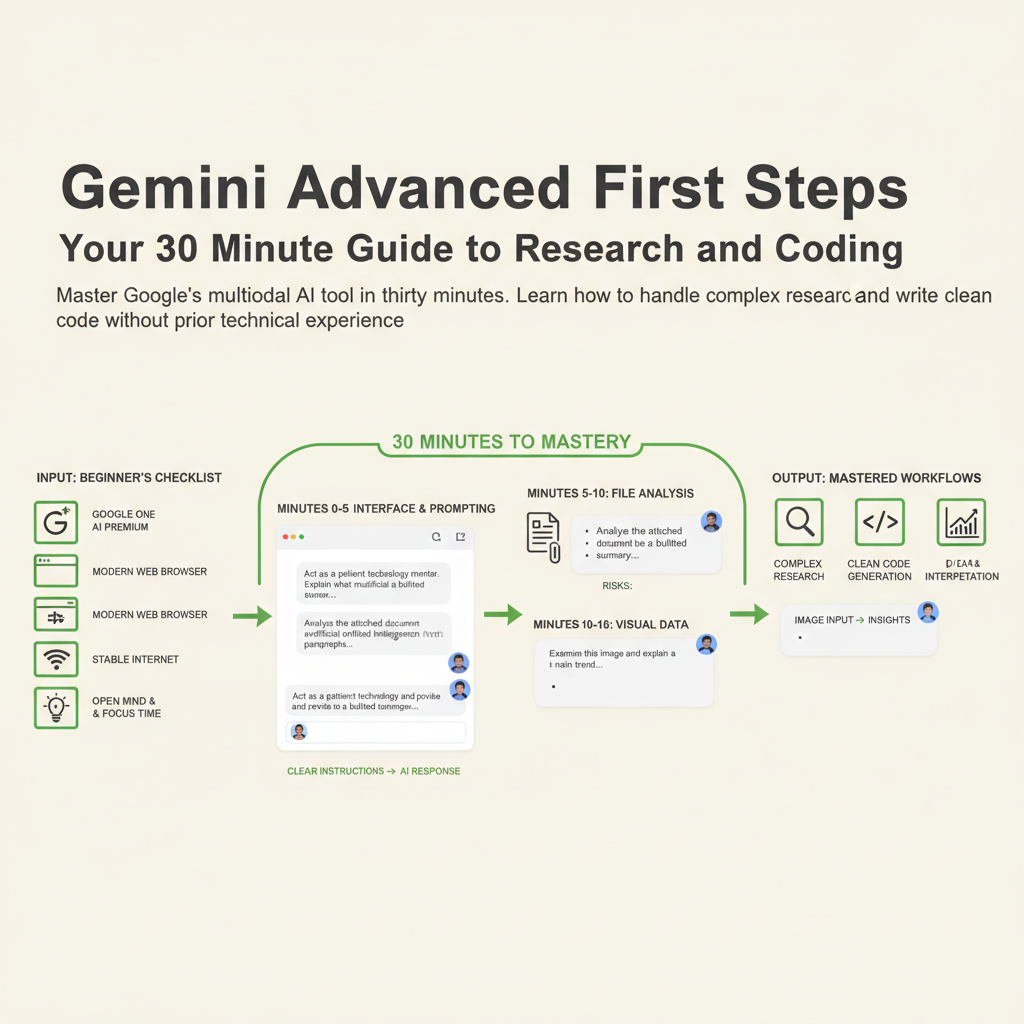
Master Google's multimodal AI tool in thirty minutes. Learn how to handle complex research and write clean code without prior technical experience.
Introduction to Gemini Advanced
Most people think advanced artificial intelligence requires a computer science degree or years of technical training. That assumption stops today. Gemini Advanced is Google's powerful multimodal AI platform designed to process text, images, audio, and code all in one place. Whether you want to analyze lengthy research reports or build functional software applications, this tool acts as your personal digital co-pilot. You do not need to be an expert coder or a data scientist to get incredible results right now.
This guide is written for complete beginners who want practical outcomes without the fluff. You will spend the next thirty minutes moving from absolute zero to executing real research and coding workflows. By the end of this session, you will know how to prompt effectively, upload complex files, interpret data visualizations, and write working scripts. Let us dive right into what you need before getting started.
What You Need Before You Begin
Before opening your browser, let us clear away unnecessary friction and gather the few things required for this journey. You do not need to install heavy software or configure complicated developer environments. Everything runs directly inside your web browser using Google's cloud infrastructure.
Here is your minimal checklist: