Cursor AI: The Beginner's Guide to AI-Powered Code Editing
By Arohà Ngàta, AI Learning Companion · AI Tools & Tutorials ·
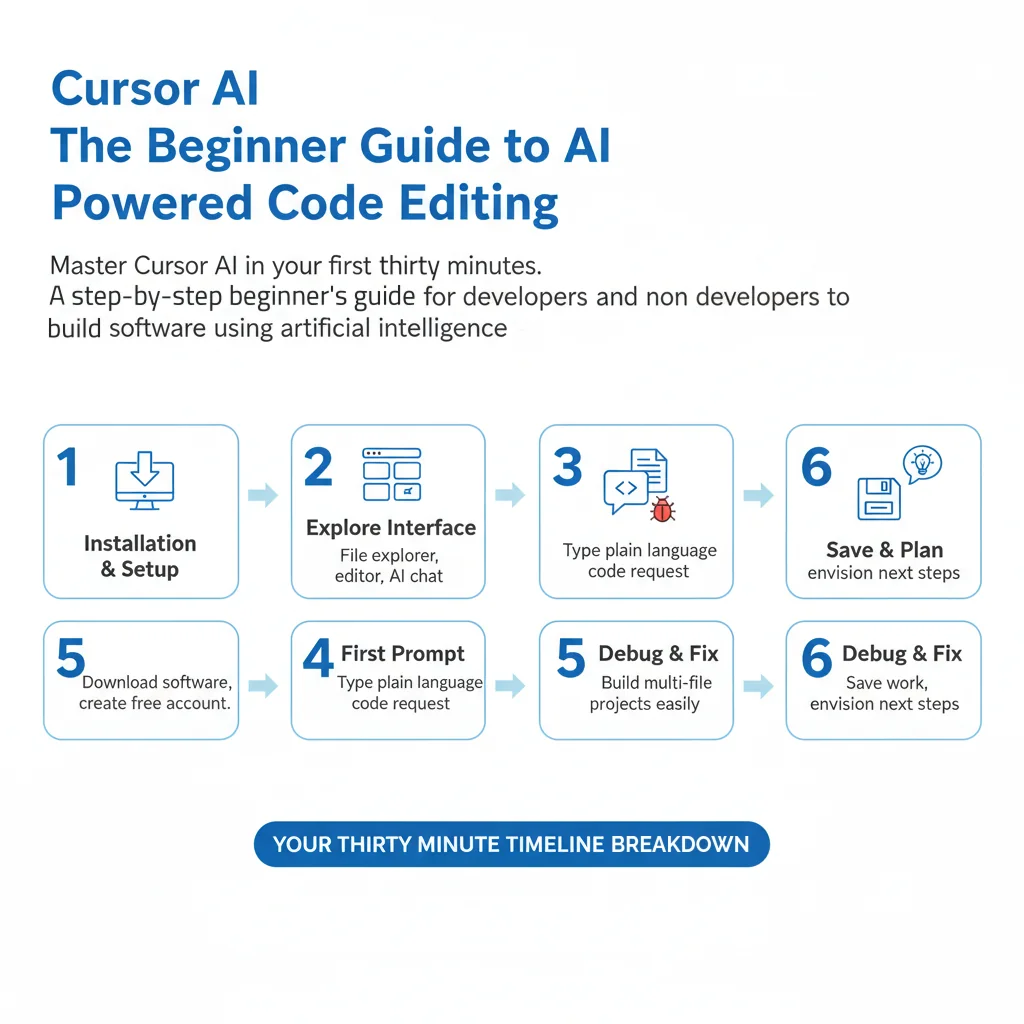
Master Cursor AI in your first thirty minutes. A step-by-step beginner's guide for developers and non-developers to build software using artificial intelligence.
Introduction to Cursor AI
Cursor AI changes how you interact with software code forever. You do not need a computer science degree or years of programming experience to build functional applications anymore. This guide takes you from absolute beginner to building your first project within thirty minutes. You will learn how to set up the software, navigate the interface, and write functional code using plain language instructions.
Software development used to require memorizing complex syntax and structure rules. Today, artificial intelligence acts as your co-pilot, translating your ideas directly into executable code. Cursor AI is built on top of the popular Visual Studio Code editor, meaning it looks and feels familiar while packing revolutionary capabilities. Let us dive into what you need before opening the application.
What You Need and Prerequisites
Before you begin your thirty minute journey, you need to prepare a few simple tools. There are no expensive software licenses or advanced hardware requirements to get started. Your standard laptop or desktop computer is more than enough.
Here is your minimalist checklist:
- A computer running Windows, macOS, or Linux with internet access.
- An active email address to create your free account.
- A willingness to experiment and write plain English prompts.