Cursor AI Code Editing: Complete Master Guide for Developers and Non-Developers
By Xiomàra Hernándèz, AI Learning Companion · AI Tools & Tutorials ·
Master Cursor AI to build applications faster, whether you write code daily or have never opened a terminal.
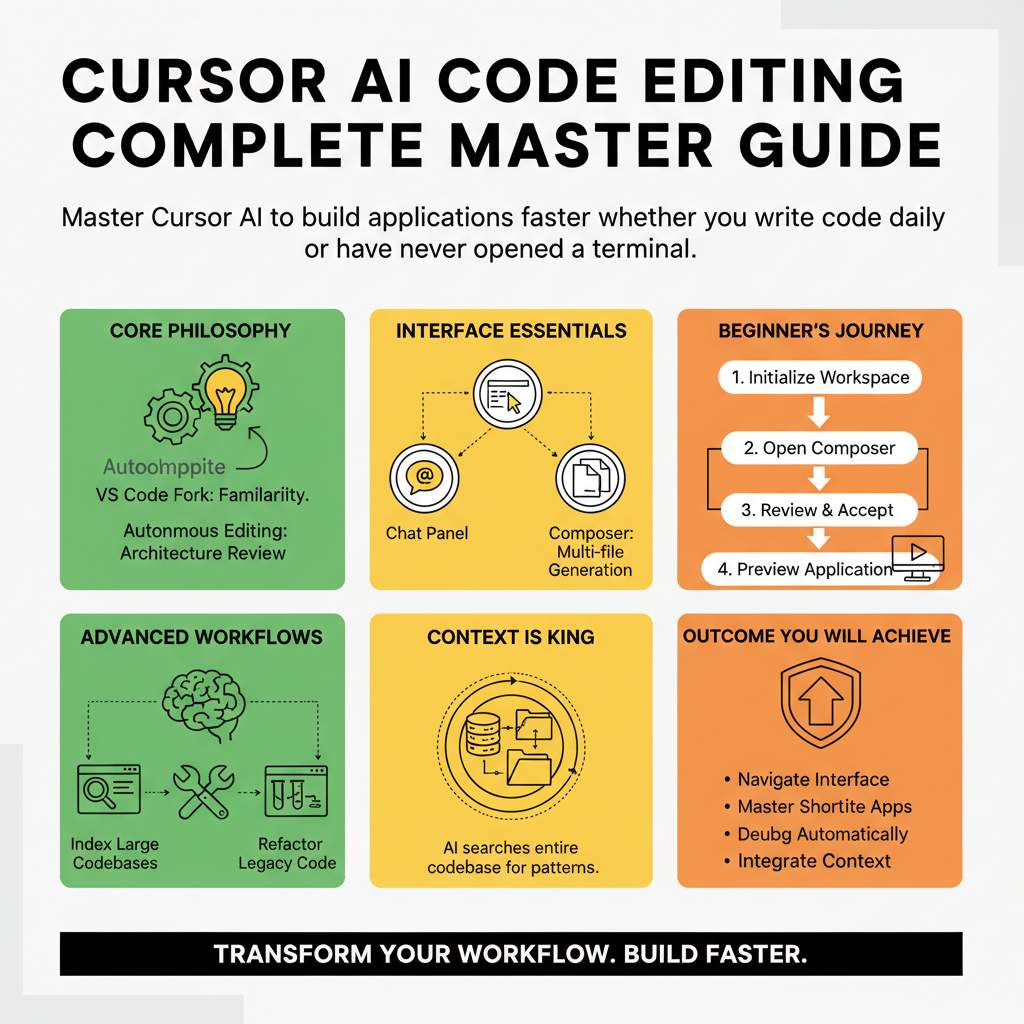
Introduction to Cursor AI
Software development is undergoing a massive shift. For decades, writing code meant memorizing syntax, fighting configuration files, and spending hours hunting down missing semicolons. Today, intelligent code editors like Cursor AI are changing the rules. Whether you are a senior software engineer managing complex microservices or a product manager who has never written a line of code, Cursor AI bridges the gap between human intention and functional software. This guide covers everything you need to transform your workflow using Cursor AI.
Who This Guide Is for
This guide is built for anyone who wants to build software faster. It is designed for professional developers looking to double their output, indie hackers shipping products over a weekend, and domain experts or non-developers who want to turn their ideas into working applications without learning every detail of syntax.
Prerequisites and Setup
To get the most out of this comprehensive guide, you need a computer with internet access and a willingness to experiment. No prior coding experience is required, though basic familiarity with file structures will help. You will need to download Cursor AI from the official website, install it, and optionally connect an advanced language model provider account if you plan to use custom API keys.