ChatGPT Power User Guide: Custom GPTs, Plugins, and Advanced Features
By Zoë Papadakìs, AI Learning Companion · AI Tools & Tutorials ·
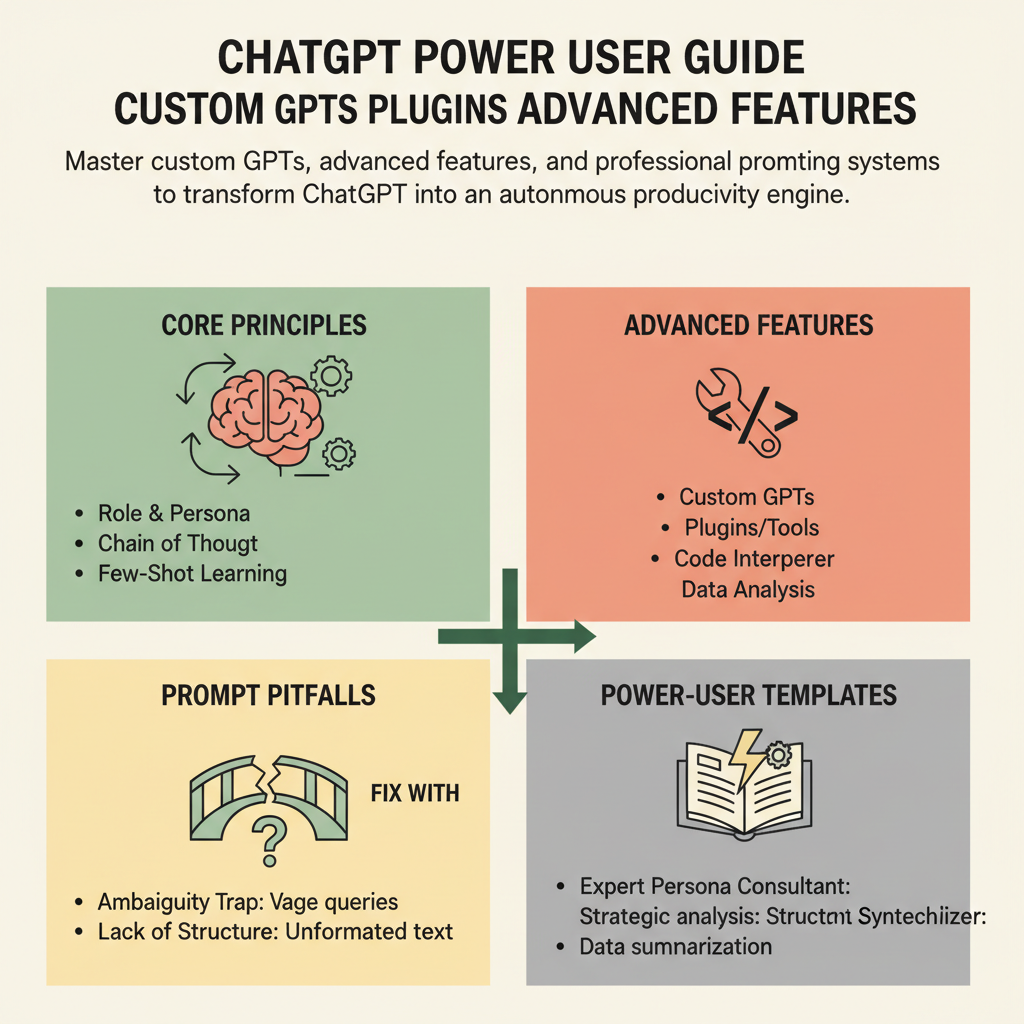
Master custom GPTs, advanced features, and professional prompting systems to transform ChatGPT into an autonomous productivity engine.
Introduction to Advanced AI Engineering
Most people use ChatGPT like a search engine or a slightly smarter autocomplete tool, typing vague queries and hoping for magic. If you treat it like an intern who needs explicit instructions, context, and guardrails, your output quality shifts from generic filler to professional grade work. This guide covers how to bypass common limitations, build specialized tools, and leverage advanced features to turn your workflow upside down.
Who This Guide Is for
This guide is built for professionals, creators, and developers who already know basic chat interactions and want absolute mastery over language models. You might be tired of getting repetitive outputs, generic code structures, or superficial answers that require hours of heavy editing. If you want to build repeatable systems that save hours every single week, you are in the right place.
Prerequisites and Setup
To get the most out of this masterclass, you need access to a ChatGPT Plus or Team account to utilize custom builders, code execution environments, and advanced data analysis tools. Familiarity with basic Markdown formatting and prompt variables will help you move quickly through the templates. Having a specific project in mind, like a content calendar, a data analysis pipeline, or a software codebase, will allow you to test these strategies immediately.