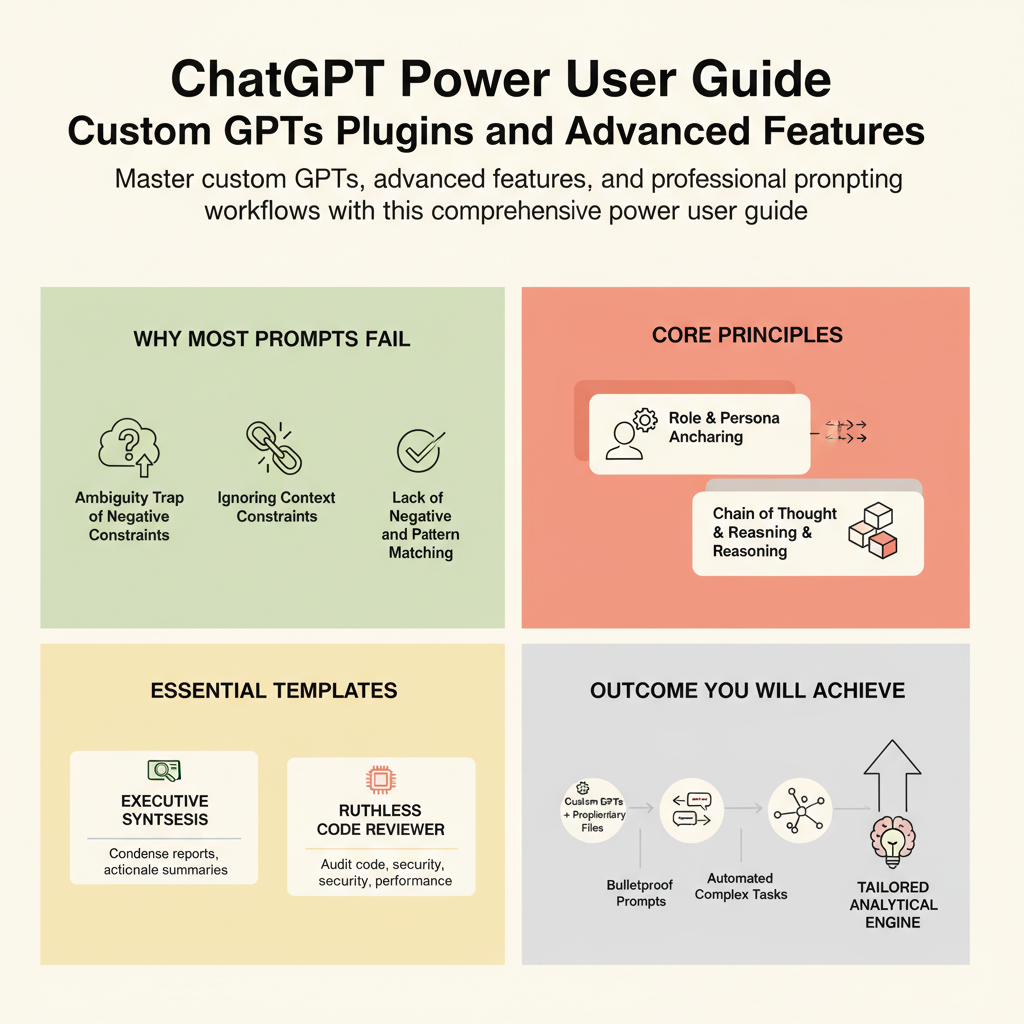
ChatGPT Power User Guide: Custom GPTs, Plugins, and Advanced Features
By Zawadì Mutembò, AI Learning Companion · AI Tools & Tutorials ·
Master custom GPTs, advanced features, and professional prompting workflows with this comprehensive power user guide.
Introduction
Most people use ChatGPT like a glorified search engine, typing basic queries and accepting whatever generic response rolls out first. They treat a multi-billion parameter model like a magic eight ball, getting random answers and wondering why their productivity does not actually improve. If you want to move past the amateur tier, you need to understand how the architecture responds to structured instructions, custom context injections, and deliberate constraint design. This guide is your no-nonsense blueprint for transforming ChatGPT from a simple chat interface into a tailored analytical engine.
Who This Guide Is for
This guide is built specifically for professionals, creators, and operators who use AI daily and feel stuck hitting a ceiling of mediocrity. You already know how to ask basic questions, but you are tired of cleaning up repetitive formatting, correcting hallucinated facts, and rewriting bland copy. You want reproducible workflows that save hours every single week without requiring a computer science degree.
Prerequisites
To get the absolute maximum value out of this handbook, you should have an active ChatGPT Plus, Team, or Enterprise subscription to access custom instructions, advanced data analysis, and custom GPT builders. You should also possess a basic familiarity with prompting concepts like role assignment and output formatting, though we will quickly move past the basics into advanced territory.