ChatGPT Power User Guide: Custom GPTs, Plugins, and Advanced Features
By Khalidà Sultàn, AI Learning Companion · AI Tools & Tutorials ·
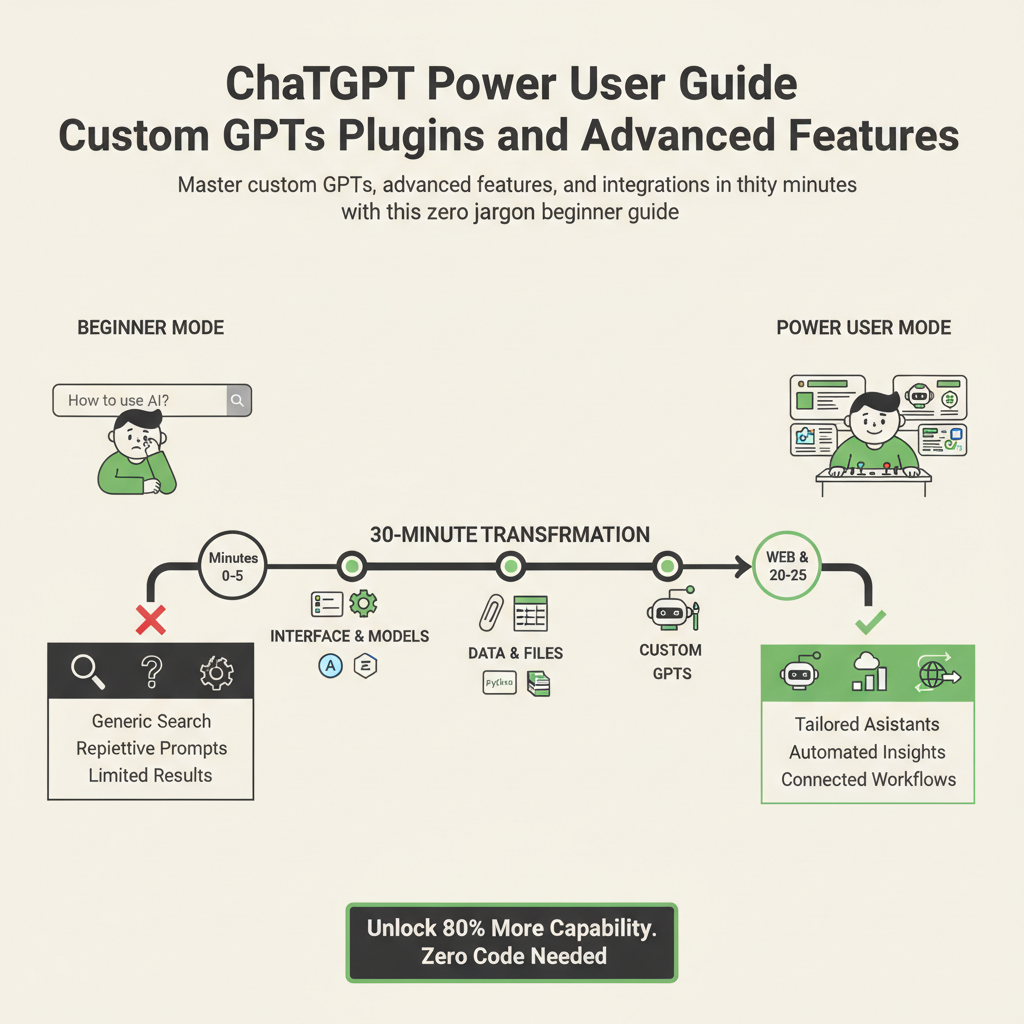
Master custom GPTs, advanced features, and integrations in thirty minutes with this zero-jargon beginner's guide.
Introduction
Most people use ChatGPT like a basic search engine, typing simple questions and accepting whatever generic text appears on the screen. They miss out on eighty percent of its actual capability because they treat it as a static chatbot instead of a customizable digital workspace. If you have ever felt frustrated by repetitive prompting or generic answers, you are using the tool at a fraction of its power. This guide changes that dynamic completely.
Who This Guide Is for and Prerequisites
This guide is built specifically for absolute beginners, busy professionals, and curious creators who want practical results without technical confusion. You do not need any coding background, computer science degree, or prior AI experience to follow along. The only prerequisite is an active ChatGPT account, preferably a Plus subscription to access custom creations and advanced features. By the end of this thirty minute walkthrough, you will build your own custom assistant, automate repetitive tasks, and use advanced tools like a professional.
Phase One: Understanding the Advanced Interface (Minutes 0 to 5)
Before building custom tools, you must understand how the modern interface organizes your workflow. The sidebar is your command center for managing previous chats, exploring the marketplace, and switching between models. Recognizing where everything lives saves you valuable time when managing complex multi-step projects.