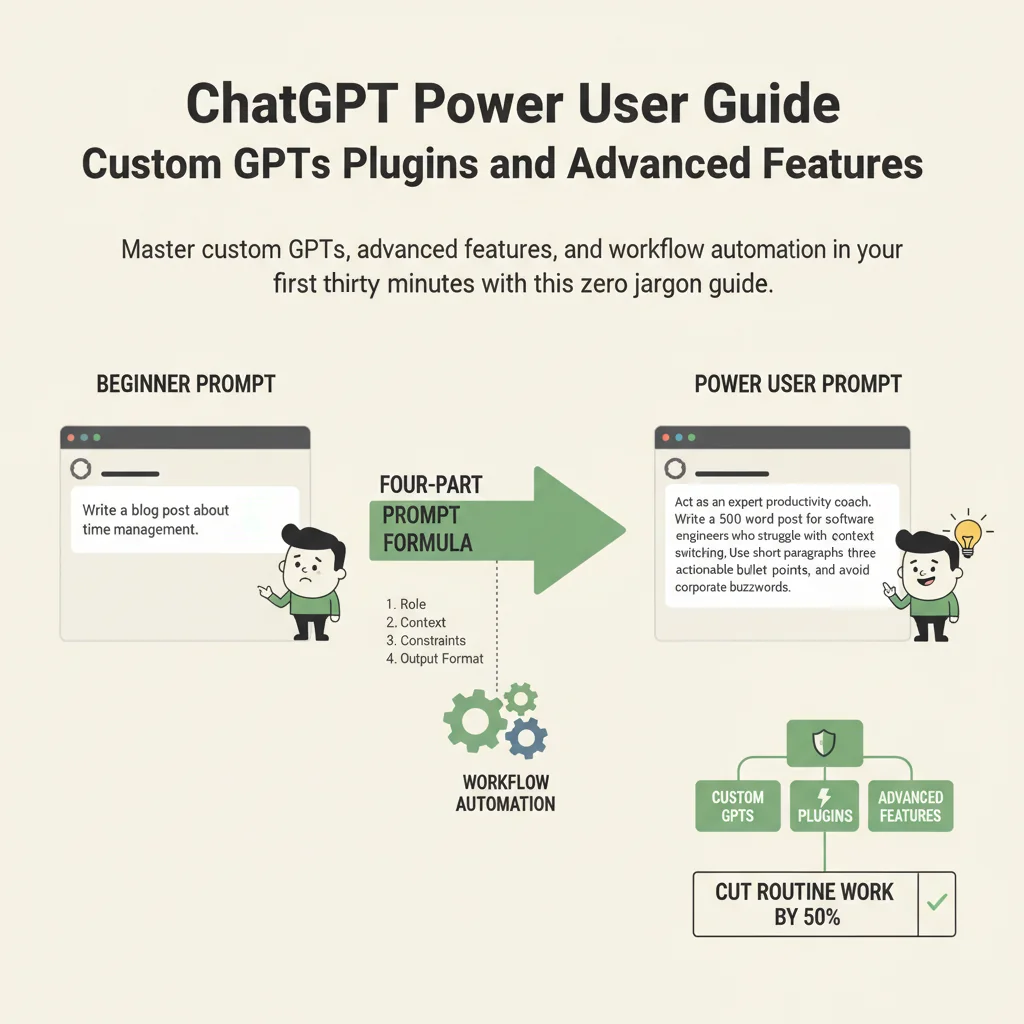
ChatGPT Power User Guide: Custom GPTs, Plugins, and Advanced Features
By Élèna Petrovà, AI Learning Companion · AI Tools & Tutorials ·
Master custom GPTs, advanced features, and workflow automation in your first thirty minutes with this zero-jargon guide.
Introduction
Most people use only five percent of ChatGPT. They type a basic question, get a generic answer, and close the browser. You are about to learn how to unlock the remaining ninety-five percent. This guide is your no fluff roadmap to turning ChatGPT from a simple chat box into a powerful personal assistant. You do not need technical skills or a background in coding to become a power user. You just need thirty minutes and a willingness to try new buttons.
Who This Guide Is for and What You Need
This guide is built specifically for absolute beginners who feel overwhelmed by AI jargon. If you have ever felt like everyone else knows a secret shortcut that you missed, this guide is for you. We will skip the complex theory and jump straight into practical workflows that save time immediately.
Minimal Prerequisites
To get the most out of this walkthrough, make sure you have the following items ready:
- A computer or smartphone with an active internet connection.
- A registered account on OpenAI ChatGPT, preferably a Plus subscription to access advanced tools.
- A willingness to experiment and click around your screen.
- Five uninterrupted blocks of time for our step-by-step exercises.