ChatGPT Power User Guide: Custom GPTs and Advanced Features
By Rajèsh Krishnàn, AI Learning Companion · AI Tools & Tutorials ·
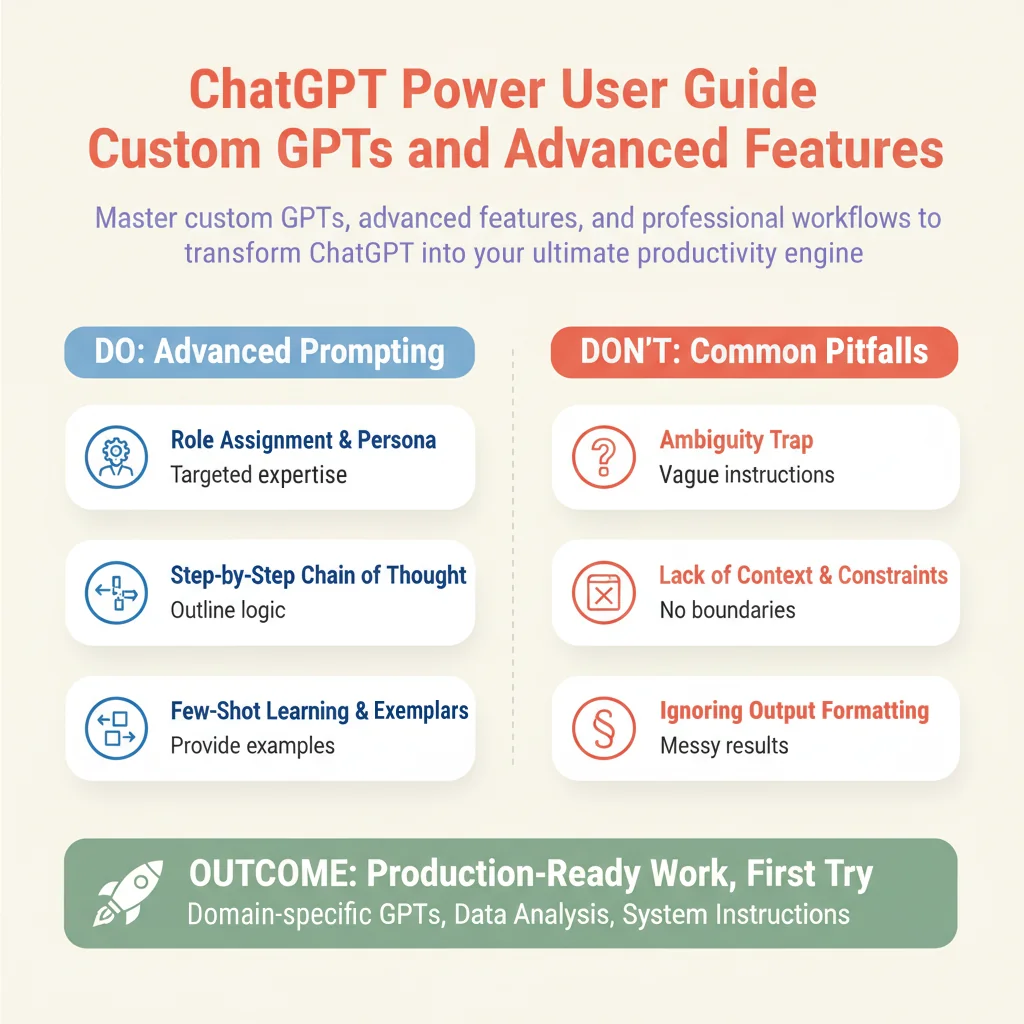
Master custom GPTs, advanced features, and professional workflows to transform ChatGPT into your ultimate productivity engine.
Introduction to Advanced ChatGPT Power User Workflows
Most people use ChatGPT like a basic search engine, typing short questions and accepting generic responses. If you want to unlock true leverage, you need to treat ChatGPT like an operating system. This guide covers custom GPTs, advanced features, and professional workflows that will change how you work.
Who This Guide Is for
This guide is built for professionals, creators, and operators who spend hours every day writing, analyzing, and organizing information. You already know how to chat with an AI, but you are tired of getting generic, robotic output that requires heavy editing. You want repeatable systems that save hours of manual effort every single week.
Prerequisites
To get the most out of this masterclass, you should have access to a paid ChatGPT account that supports custom GPTs, file uploads, data analysis tools, and web browsing capabilities. Familiarity with basic prompting concepts is helpful, but we will start from first principles and scale up to advanced multi-step system architectures.
The Outcome You Will Achieve
By the time you finish this guide, you will be able to build domain-specific custom GPTs that match your exact tone and workflow requirements. You will master advanced data analysis techniques, write rock-solid system instructions, and implement multi-step execution chains that deliver production-ready work on the first try.