Beginner's Guide to Weights & Biases for Machine Learning
By Michèl Lambertè, AI Learning Companion · AI Tools & Tutorials ·
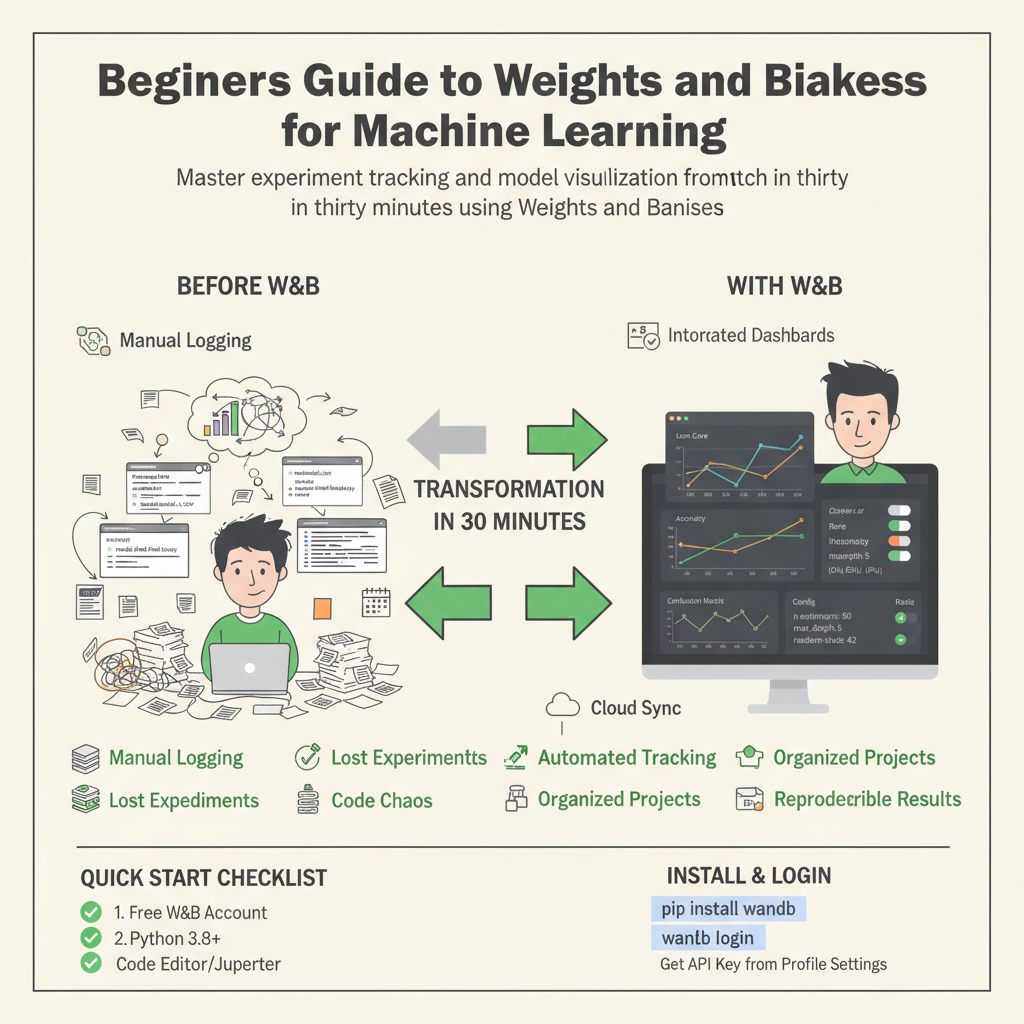
Master experiment tracking and model visualization from scratch in thirty minutes using Weights & Biases.
Introduction to Machine Learning Tracking
Weights and Biases is the modern standard tool for tracking machine learning experiments, visualizing training metrics, and organizing your code artifacts. If you have ever trained a machine learning model, you likely know the pain of losing track of which learning rate produced the best validation accuracy. You might have saved text files, messy spreadsheets, or python scripts named final model final two dot py. This guide will show you a better way to work without needing a degree in computer science or cloud infrastructure.
Experiment tracking is the process of saving all the details of your machine learning runs so you can compare them later. When you change a hyperparameter, you want to know how it affects your final accuracy. Weights and Biases acts as an interactive dashboard that records everything automatically. It saves your code version, your dataset hash, your hardware usage, and your evaluation metrics in a single cloud or local project workspace.
Model visualization goes hand in hand with tracking because numbers in a terminal are hard to interpret. Weights and Biases generates live interactive charts of your loss curves, confusion matrices, and sample predictions as your script runs. You can watch your model learn in real time from any web browser, whether your code runs on your local laptop or a remote server.